We take account safety seriously. Learn how to set up your EA Account securely, how to protect your account information, and steps you can take to protect your online safety.
We have a few tips for how to securely set up your account. If you need help setting it up, check out our article to learn how to set up an EA Account.
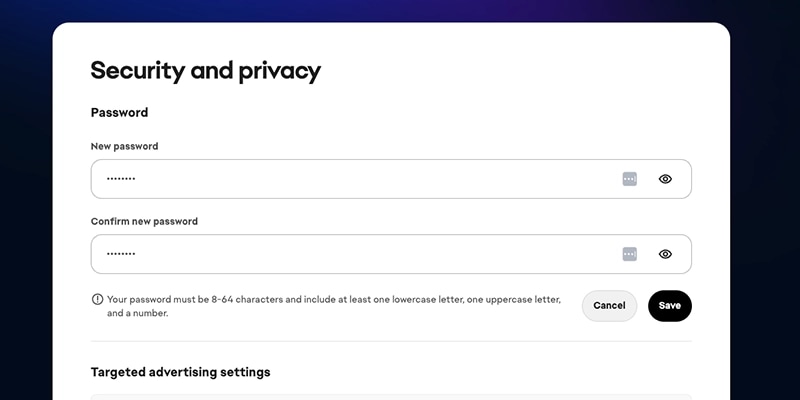
Weak passwords are easy to guess and can make your account vulnerable to hacking. Use our tips below to create a stronger password.
Use 8-16 characters and at least one upper and lower case letter.
Use a combination of letters, numbers, and special characters.
Use different passwords for all of your online accounts, especially your EA Account, console login, and email. If you use the same password for all accounts and one of them is compromised, all of your accounts are at risk.
Don’t use any public information in your password (like your Xbox Live gamertag, PlayStation™Network Online ID, squad names, your name, or date of birth).
Change your passwords periodically.
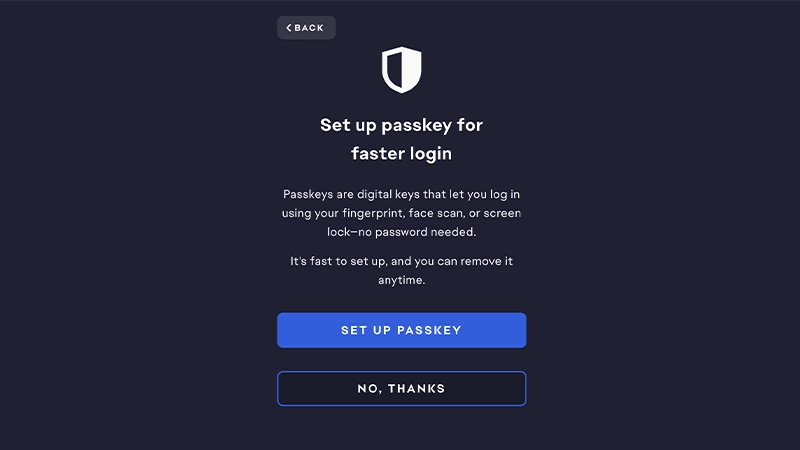
If passkeys are available for your EA Account, consider setting one up and regularly review your account security settings to make sure only trusted devices can access your account. Passkeys offer a more secure way to sign in because they use your device's built-in security features instead of a password. To help keep your EA Account secure, never share your login information, passwords, verification codes, or passkeys with anyone.
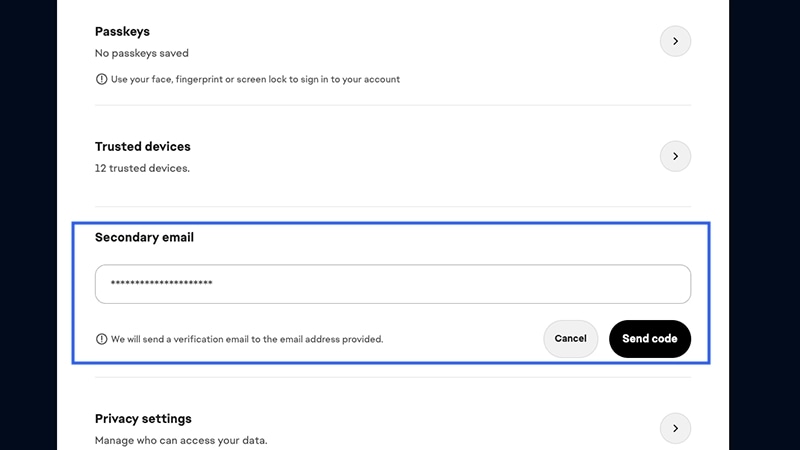
A secondary email helps you reset your password if you’re locked out of your EA Account and primary email address. You can update it in your EA Account Security and Privacy settings. For more details, check out our article on updating your EA Account.
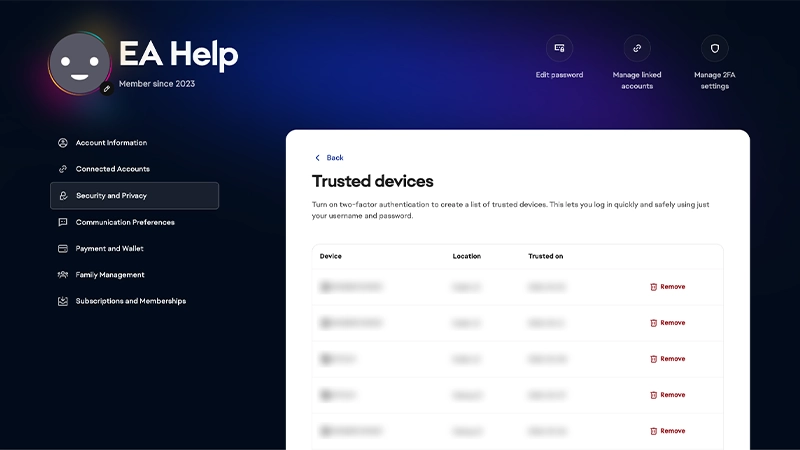
Trusted devices are a great way to get into your games quickly and help keep your account secure. By logging in on trusted devices, you’ll know where and when you’ve accessed your account.To make your device a trusted device you’ll need to:
Check the box next to Remember this device on the screen.
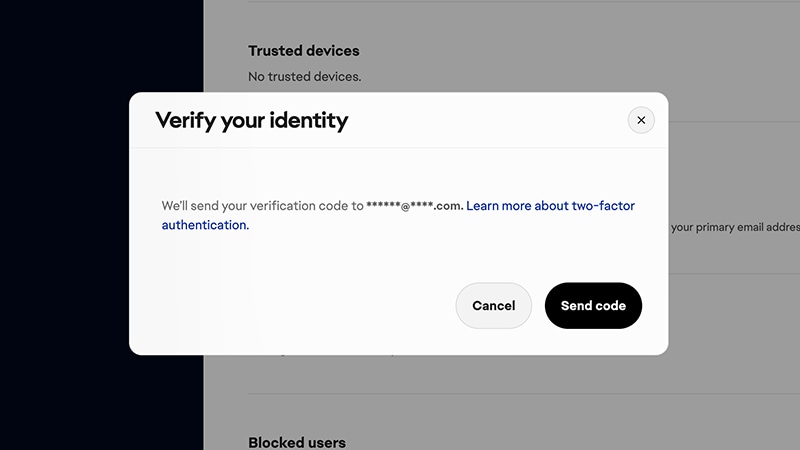
You can check out the trusted devices on your account by viewing your security settings. You can also remove any trusted devices that you don’t use often. Check your trusted devices list regularly for any suspicious activity to make sure you’re the only one logging in.If your account gets hacked, you can remove any trusted devices that you didn’t log in to yourself.Keep your trusted devices safe:
Mobile devices—use passcodes and lock your screens when you aren’t using them.
PC and Mac—use a secure password for your computer.
Consoles—set up passwords for your console accounts to make sure you’re the only one gaming on your profile. This is especially useful if you share your console with other people.
If you’re logging in to your EA Account to play a game in a location where many people are using the same device, be aware that other people could have installed software that you don’t know about on that device. That can be anything from keyloggers that can put your account security at risk to cheat software that can get you banned or suspended from your game. When you log in to your EA Account from a device like this, you may be putting your account at risk.
If you give out your password or any other account info, you’re putting your account at risk. Help keep your account secure by making sure you’re the only one with access to it.
There are no exceptions to this rule. Even if you get an email that appears to come from us, it’s a scam if it asks for your account information.
If you get a private message on EA Forums asking for your account information, it’s not us. Scammers might use names that sound legitimate, like “EA Admin” or “EA Developer.” We’ll never ask you for your account details. If you get a message like this, report it to a forum moderator.
If you get a private message through your console’s online messaging system claiming it’s us, it’s fake. We’ll never contact you through your console’s messaging system for any reason, so don’t give out your details. Find out how to report this kind of message on the support pages for Xbox and PlayStation®.
If your social media post gets a reply from someone telling you to use their services to recover your EA Account, sometimes for a fee, it's not us. This is a common scam to try to steal your information and money. While these “experts” claim they can help you, this is entirely false. Sharing your login info with anyone puts your online accounts at risk.The only place to get help with your account is through EA Help. Any other non-EA websites or social media accounts aren't legitimate.
Browse and email safely
If you log in from a public computer, like at a school or a coffee shop, double-check that the browser doesn’t save your login information. Delete the browser cache after you log out, too.
Many browsers have built-in phishing filters. These browser tools and plugins won’t stop all phishing sites, but they can help you avoid sites that will try to install malware (malicious software) on your computer.
Google safety diagnostic: You can check a website’s security with the Google Safe Browsing tool.
Web of Trust: This plug-in is available for all operating systems. It uses a stoplight-style rating system to warn against unsafe sites. It will display an icon next to your browser's address bar, clickable links, and search engine results.
Viruses and malware can harm account security and let someone else access your account, usernames, passwords, and other important information.You can help protect yourself against malware and viruses by following the tips below.
Use an antivirus or malware scanner. These programs can detect and remove any potential threats to your computer’s security.
Make sure you have the latest updates for your computer and software.
Avoid clicking links or opening websites that you don’t recognize, even if they appear to come from people you know through email, instant messages, or in-game messages. It’s possible their account is being used by someone else who's trying to phish information or put malware on your system.
Avoid any sites promising level-ups, XP, in-game currency, and more. These sites may put malware or viruses on your system, or might try to steal your account information by asking you to log in. Trying to get these things without earning them yourself in-game is also considered cheating and can lead to consequences for your account.
Be cautious when sharing your data with anyone. Even sharing screenshots from your game on social media can reveal personal details you didn’t mean to make public.