Přehled
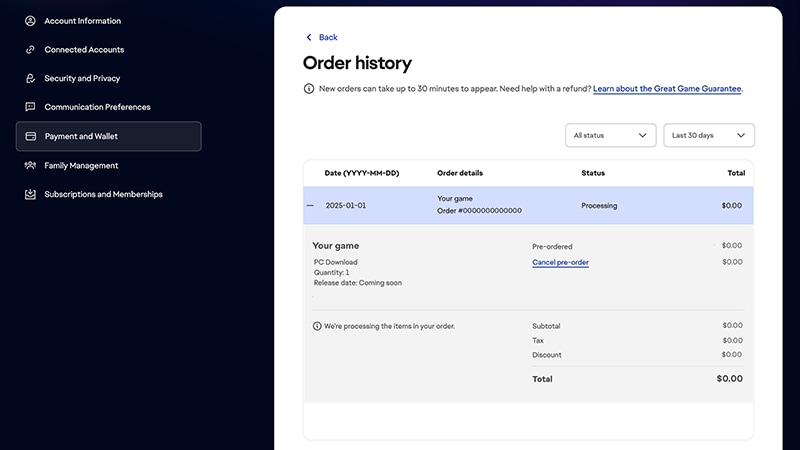
Tady najdete potřebné informace o předobjednávání her v EA app.
Jak si předobjednám hry v EA app?
- 1V EA app vyhledejte hru, kterou chcete předobjednat, a následně ji vyberte.
- 2Zvolte Select Edition (Vybrat edici). Budete přesměrováni na stránku s dalšími informacemi o bonusovém obsahu jednotlivých předobjednávkových edic.
- 3Vyberte edici, kterou chcete koupit.
- 4Řiďte se pokyny k platbě pro dokončení nákupu.
Peníze vám budou strženy okamžitě po odeslání objednávky. Zkontrolujte, že máte na účtu nastavený aktuální způsob platby.