Overview
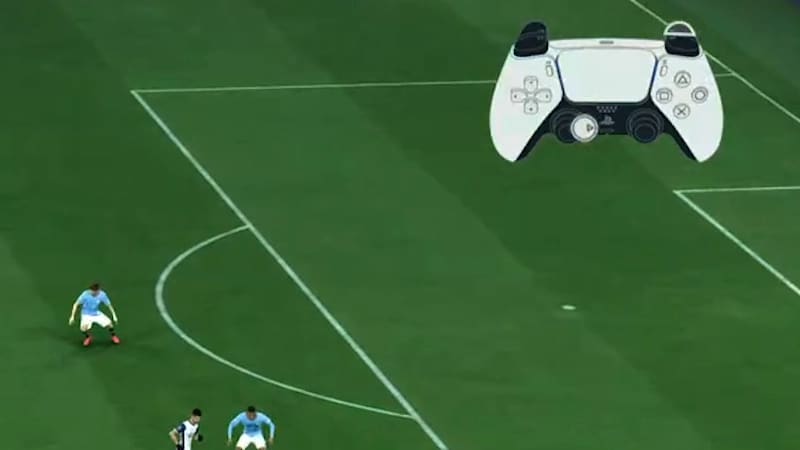
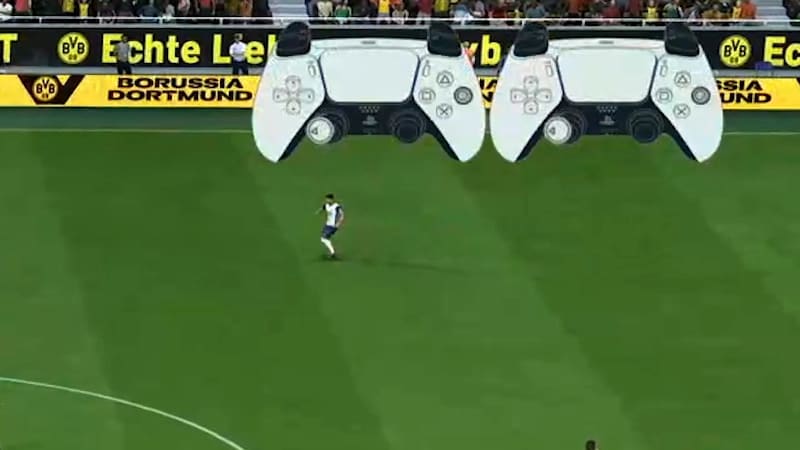
Input Overlay displays on-screen controller graphics that help you monitor your in-game actions, send us detailed feedback on Answers HQ, and understand how your inputs are processed by EA SPORTS FC™ Game Data Centers and your network during online play.
How to turn on Input Overlay
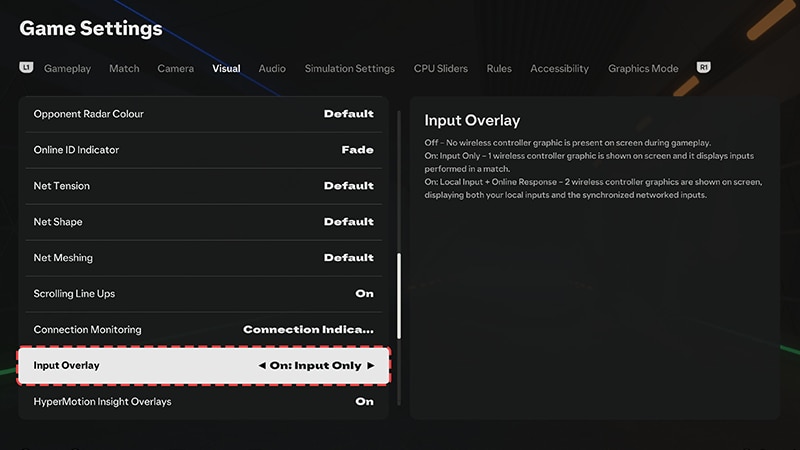
- 1From the main menu or when you pause the game, go to Settings.
- 2Select Game Settings, then go to the Visual tab.
- 3Scroll through the list until you get to Input Overlay.
- 4Choose your preferred Input Overlay option.
Off
Input Only
Local Input + Online Response
Input-related graphics aren’t displayed on your screen.