Overview
Find out how to change your language in the EA app or in your game.
How to change your language
EA app
In-game
- 1Launch the EA app and log in to your EA Account.
- 2Select the menu icon (it looks like 3 horizontal lines) in the top-left corner of the app and select Settings.
- You can also select your EA ID in the top-right corner and choose Settings from the list.
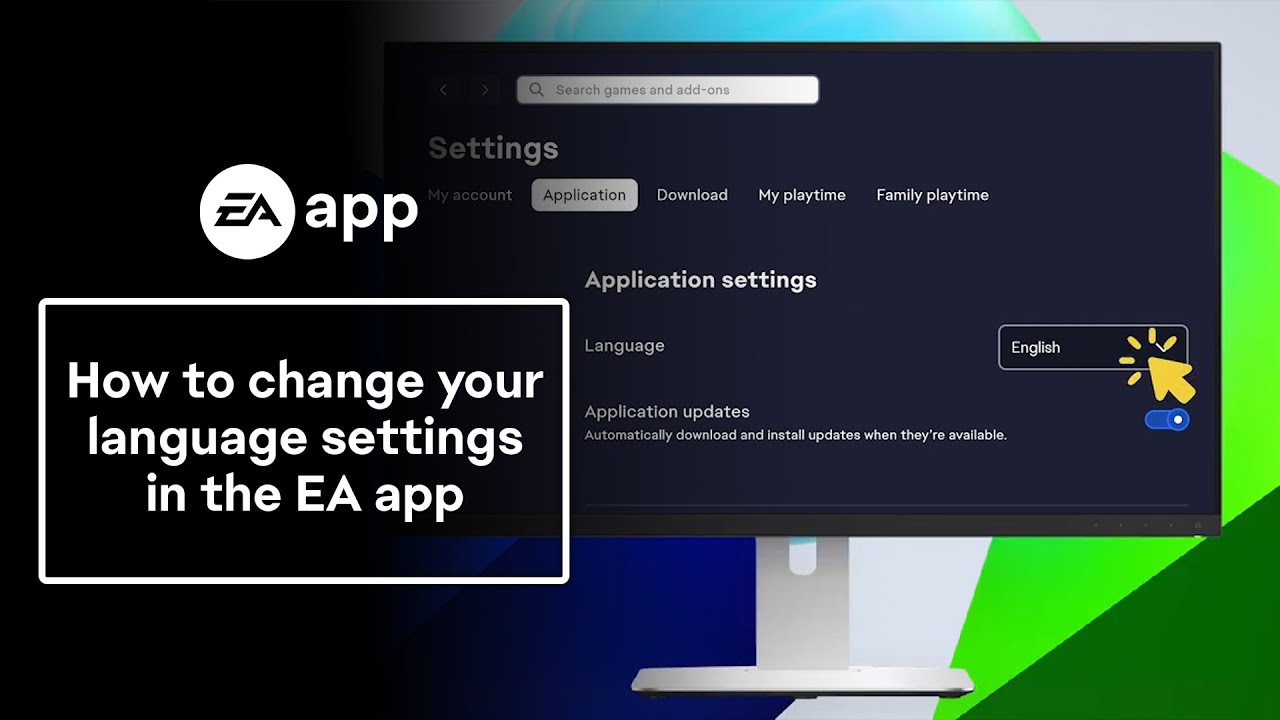
- 3Select Application.
- 4Under Application, use the Language dropdown menu to choose your language.