Overview
To earn rewards in EA SPORTS™ UFC® 5, you’ll need to create a Fighter. As you progress in the game, you’ll earn more customization options.
Get started
Select Create Fighter from the main menu to get started. Here, you can pick an empty slot and choose your fighter’s sex and division.
How to choose your Fighter type in UFC 5
Each Fighter type has its own perks and ratings on stand-up, grappling, and health, so you can choose a Fighter type based on your preferred style. There are 14 Fighter types grouped into five styles.Kickboxer
Boxer
MMA
Wrestler
Jiu-jitsu
- Sniper
- Acrobat
- Razor
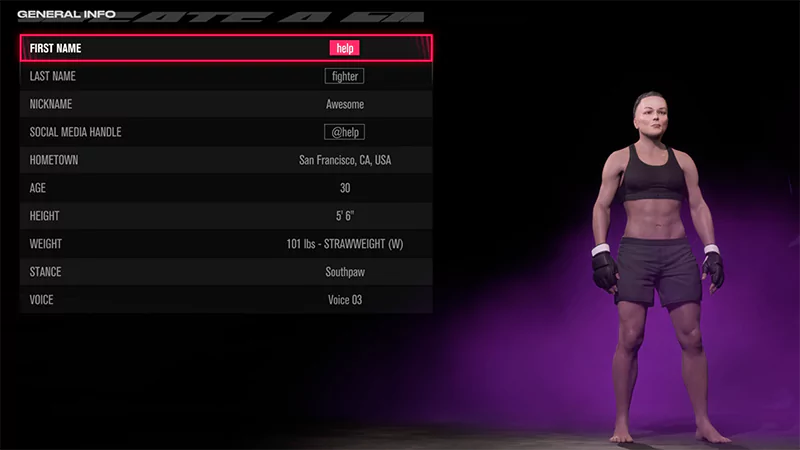
How to set your Fighter’s general info
In the General info tab, you can set the following information for your Fighter.- First name
- Last name
- Nickname
- Social media handle
- Hometown
- Age
- Height
- Weight
- Stance
- Voice
How to customize your Fighter’s appearance
Personalize your Fighter’s look to stand out in the Octagon. You can customize your Fighter’s face, hair, body type, tattoos, and more.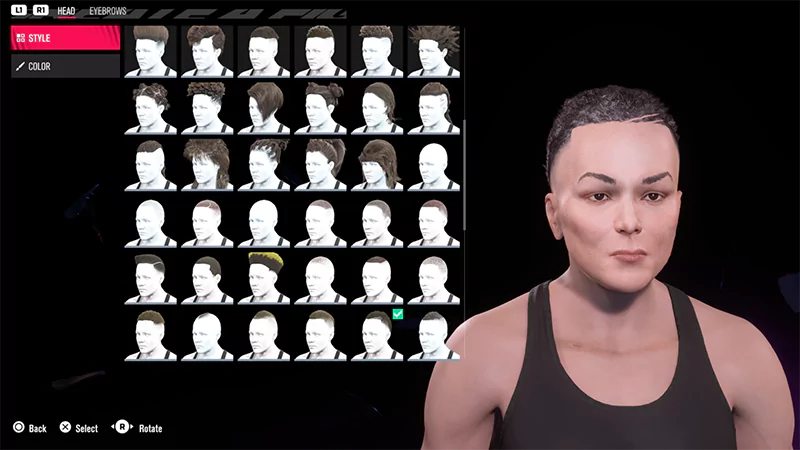
How to customize your Fighter’s clothing
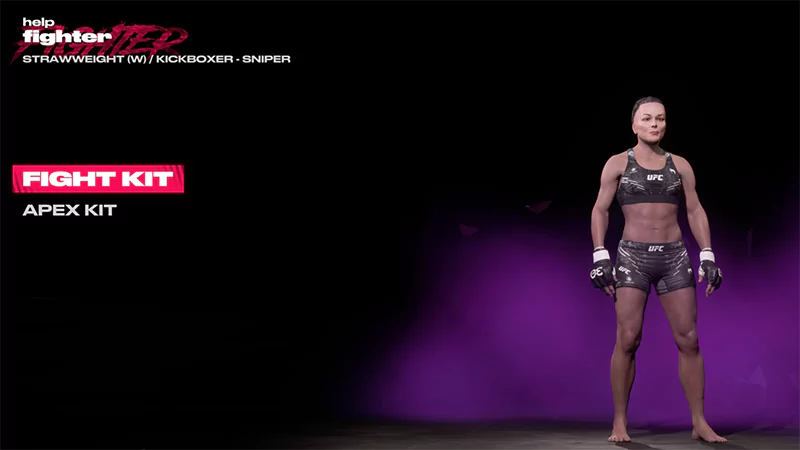
Choose from a wide range of clothing options and accessories that best fit your Fighter’s style. You can get new clothes for your Fighter by:- purchasing them in the Store
- earning them through Punch Card or completing Challenges.
How to customize your Fighter’s emotes
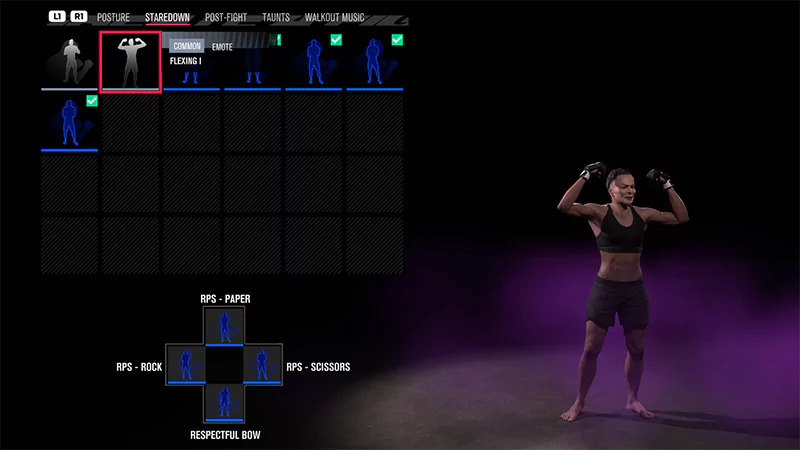
Give your Fighter some character with customizable emotes for introductions, celebrations, and taunts.You can win new emotes using your Punch Card or you can buy them in the Store.