Overview
Learn how to set up your new EA Account to get the most out of your EA games.
How to create an EA Account
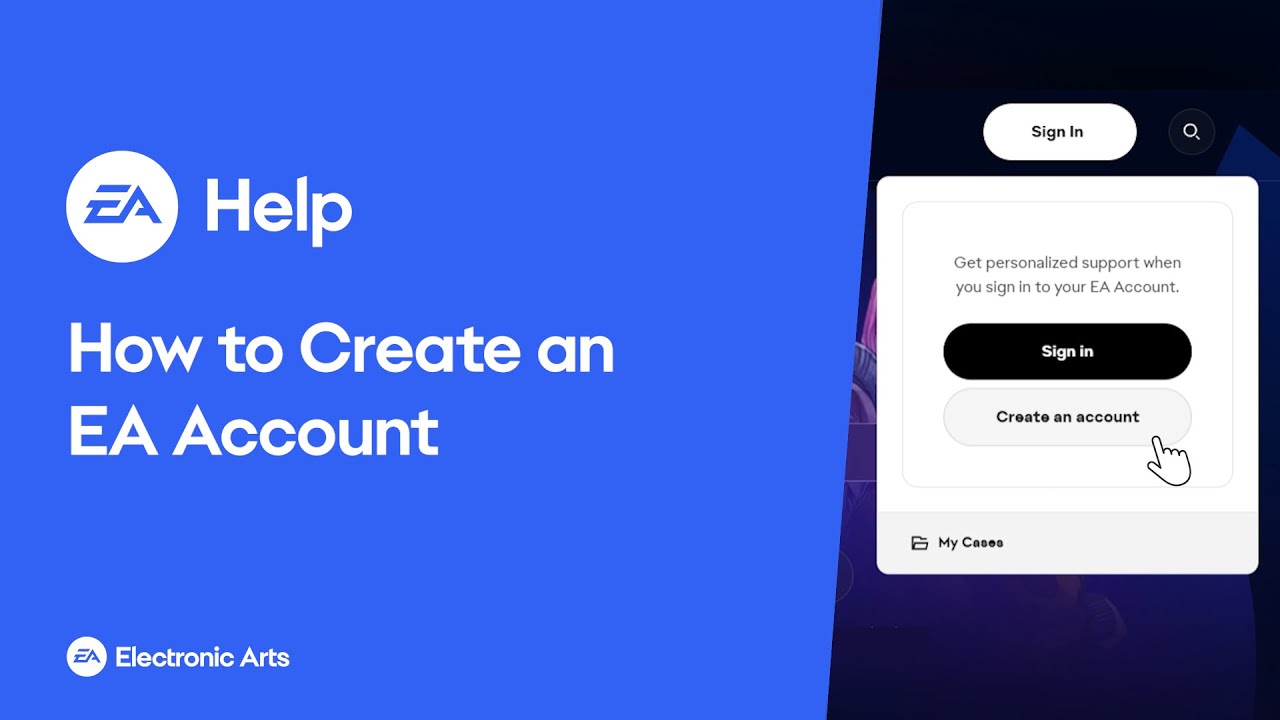
You can create an EA Account through the Sign In/Create a New Account option:- on EA Help
- on the EA app
- on ea.com
- in your game.
Parents or guardians need to create a child or teen account.
- Find out more about age restrictions and parental controls.
- Learn how to set up a child account.
- Your email address — so you can log in.
- Use a secure email address you’ll always have access to and check often, like Yahoo or Gmail, instead of one from school or work. You’ll use your email address to recover your account if you ever need to, and we'll use this email address to verify your EA Account.
- An EA ID – this is created by you and it’s how you’ll be known in your games, on our websites, and on EA Forums.
- Learn more about your EA ID in our article.
- Your Public ID is the same as your EA ID.
- To help keep your EA Account secure, we limit how often you can update your EA ID. You can only update your EA ID once every 30 days.
- A password – create a password that you’ll remember, and keep it safe.
- Your country of residence — so we know what works for you and your location.
- Your date of birth — to give you an age-appropriate experience. Make sure you share your real date of birth, following EA’s User Agreement. If we need to recover your account for you, we might need to confirm your date of birth.
Getting an error message? You might already have an EA Account. Find out what to do if you think you might have a duplicate account. Or learn how to update an old EA Account with new info.
Before starting your game:
- Turn on EA two-factor authentication (2FA) to help secure your account. Depending on what game you’re playing, you may not be able to start until 2FA is turned on.
- Choose your EA Account privacy settings. You can let your friends and others find you by searching for your email address, or opt out of this.
- Make sure you understand the EA rules so you and other players can have fun and stay safe while playing EA games.