Overview
Discover how to use keyboard and mouse controls to play MySims™ and MySims™ Kingdom on Mac through Apple Arcade. This guide lists every key and mouse command so you can build, explore, and play smoothly on Mac.
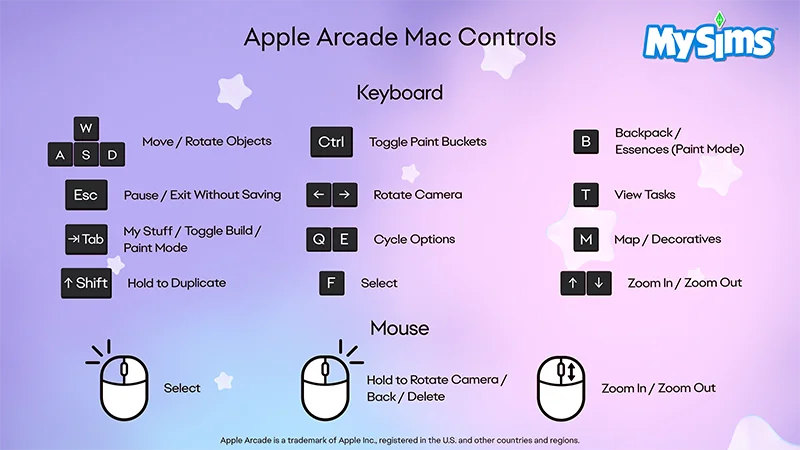
Keyboard and mouse controls for MySims
Need some beginner tips? Learn how to get started in MySims™: Cozy Bundle.
Keyboard Controls
- W/A/S/D
- Move/Rotate Objects
- CTRL
- Toggle Paint Buckets
- B
- Backpack/Essences (Paint Mode)
- Esc
- Pause/Exit Without Saving
- Left and Right Arrow Keys
- Rotate Camera
- T
- View Tasks
- Tab
- My Stuff/Toggle Build/Paint Mode
- Q and E Keys
- Cycle Options
- M
- Map/Decoratives
- Shift
- Hold to Duplicate
- F
- Select
- Up and Down Arrow Keys
- Zoom In/Zoom Out
Mouse Controls
- Left Click
- Select
- Right Click
- Hold to Rotate Camera
- Back
- Delete
- Scroll Wheel
- Zoom In/Zoom Out
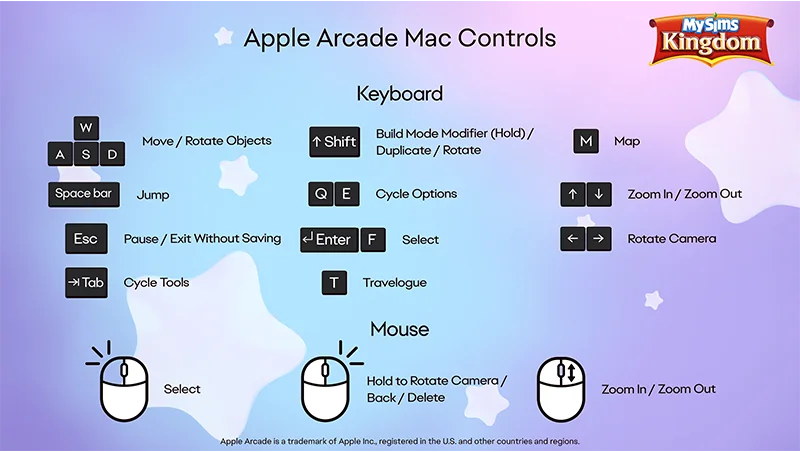
Keyboard and mouse controls for MySims Kingdom
Keyboard Controls
- W/A/S/D
- Move/Rotate Objects
- Shift
- Build Mode Modifier (Hold)/Duplicate/Rotate
- M
- Map
- Space Bar
- Jump
- Q and E Keys
- Cycle Options
- Up and Down Arrows
- Zoom In/Zoom Out
- Esc
- Pause/Exit Without Saving
- Enter/F
- Select
- Left and Right Arrows
- Rotate Camera
- Tab
- Cycle Tools
- T
- Travelogue
Mouse Controls
- Left Click
- Select
- Right Click
- Hold to Rotate Camera
- Back
- Delete
- Scroll Wheel
- Zoom In/Zoom Out