Overview
Learn more about the Civil Designer career with The Sims 4 like how to Gain Influence, promotion requirements, and career cheats.
About the Civil Designer career in The Sims 4
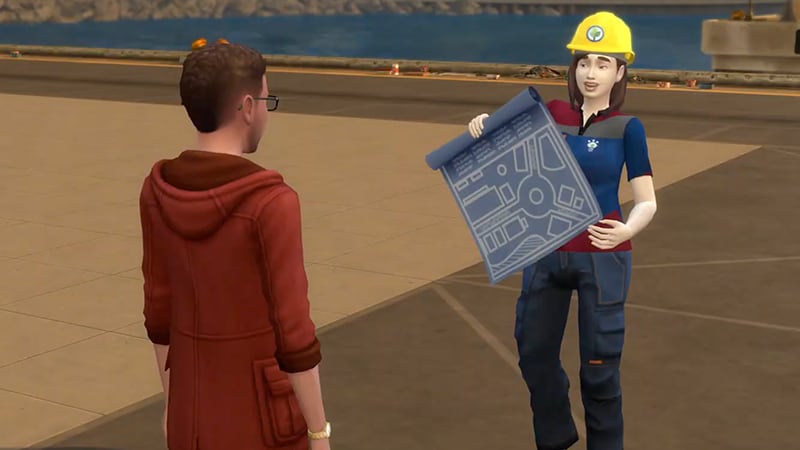
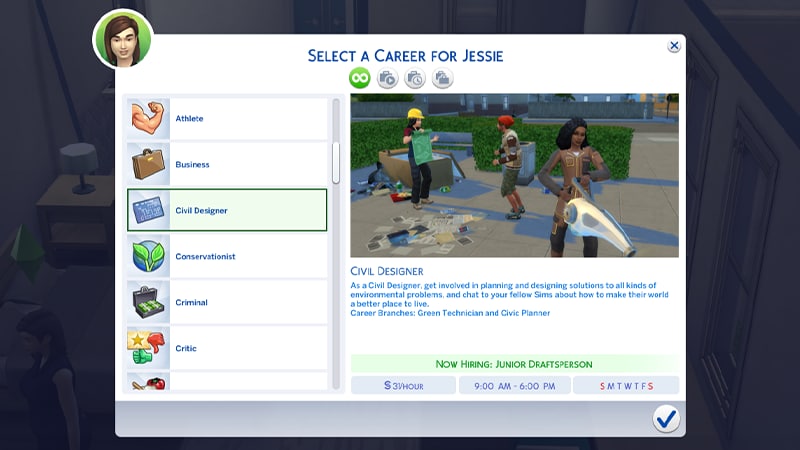
The Civil Designer career comes in The Sims 4 Eco Lifestyle Expansion Pack has two career branches:- Green Technician
- Civic Planner.
For more help with careers and promotions in The Sims 4, check out our careers guide.
Career tasks
To earn a promotion in the Civil Designer career, your Sim needs to complete career tasks. These tasks change depending on your Sim’s current rank. To check what tasks your Sim has to complete, open the Career Panel (the briefcase icon in the bottom right of the screen) in Live Mode.How to Acquire Recycled Materials
- 1To find Bits and Pieces, find and select a trash can and choose Rummage.
- 2Throw those Bits and Pieces into a Recycler to turn them into Recycled Materials.
How to Interview a Homeowner about Utilities
- 1Choose a Young Adult/Adult/Elder Sim and engage in a couple of Friendly interactions first.
- 2Select Friendly > Interests > Interview about Utilities.
How to Gain Influence
Your Sim earns influence points by interacting with other Sims in their community.To gain influence, try:- friendly interactions with other Sims
- mentoring Sims
- giving gifts to other Sims.
How to Fabricate an Eco-Upgrade Part
To create an upgrade part, your Sim needs 15 bits and 10 pieces. You can check how many you have by hovering over your Household Funds in the bottom left corner in Live Mode.- 1Using the Store No More Home Fabricator (you can purchase this in Build Mode or travel to a Community Lot to use one), select Fabricate.
- 2From the pop-up menu, choose Fabricated Eco-Upgrade Part.
Civil Designer Career Ranks
- 1Junior Draftsperson
- Pay Per Day: §279
- Daily Tasks: Interview a Homeowner about Utilities
- Promotion Requirements: None
- Career Rewards and New Interactions: None
- 2Architectural Apprentice
- Pay Per Day: §378
- Daily Tasks: Interview a Homeowner about Utilities
- Promotion Requirements: Reach Logic Skill Level 2, Reach Handiness Skill Level 2
- Career Rewards and New Interactions: §350, Electronic Drafting Tablet, Draft a Municipal Concept
- 3Construction Technician
- Pay Per Day: §513
- Daily Tasks: Interview a Homeowner about Utilities
- Promotion Requirements: Reach Logic Skill Level 3, Reach Handiness Skill Level 3
- Career Rewards and New Interactions: §475, Atomized Mist (Using Eco-Upgrade Parts), Succulent Earrings
4. Utilities Assistant5. Urban Surveyor6. Policy Planner7. Civic Anarchist8. Neighbourhood Improvement Officer9. Municipal Engineer10. City Master Planner
- Pay Per Day: §612
- Daily Tasks: Gain Influence
- Promotion Requirements: Reach Logic Skill Level 4, Reach Charisma Skill Level 2
- Career Rewards and New Interactions: §585, Store No More Home Fabricator, Civic Planner Uniform, Interview about Neighbourhood Action Plans Interaction
- Pay Per Day: §684
- Daily Tasks: Gain Influence
- Promotion Requirements: Reach Logic Skill Level 5, Reach Charisma Skill Level 3
- Career Rewards and New Interactions: §750, Rally Voters Interaction
- Pay Per Day: §896
- Daily Tasks: Gain Influence
- Promotion Requirements: Reach Logic Skill Level 6, Reach Charisma Skill Level 4
- Career Rewards and New Interactions: §900, Succulent Necklace
- Pay Per Day: §1,160
- Daily Tasks: Gain Influence
- Promotion Requirements: Reach Logic Skill Level 7, Reach Charisma Skill Level 5
- Career Rewards and New Interactions: §1,200, Ground Solar Panel
- Pay Per Day: §1,512
- Daily Tasks: Gain Influence
- Promotion Requirements: Reach Logic Skill Level 8, Reach Charisma Skill Level 6
- Career Rewards and New Interactions: §2,100, Solar Jumpsuit
- Pay Per Day: §1,960
- Daily Tasks: Gain Influence
- Promotion Requirements: Reach Logic Skill Level 9, Reach Charisma Skill Level 7
- Career Rewards and New Interactions: §2,550, Civic Solace
- Pay Per Day: §3,150
- Daily Tasks: Gain Influence
- Promotion Requirements: Reach Logic Skill Level 10, Reach Charisma Skill Level 8
- Career Rewards and New Interactions: §3,075, Champion of the People
4. Installation Intern5. Design Guru6. Machine Modifier7. Eco-Tech Scientist8. Device Savant9. Expert Fabricator10. Master Inventor
- Pay Per Day: §585
- Daily Tasks: Fabricate an Eco-Upgrade Part
- Promotion Requirements: Reach Logic Skill Level 4, Reach Fabrication Skill Level 2
- Career Rewards and New Interactions: §600, Store No More Home Fabricator, Green Technician Uniform, Draft Eco-Invention Concept
- Pay Per Day: §630
- Daily Tasks: Fabricate an Eco-Upgrade Part
- Promotion Requirements: Reach Logic Skill Level 5, Terach Fabrication Skill Level 3
- Career Rewards and New Interactions: §650, Grow Cruelty-Free Meat
- Pay Per Day: §760
- Daily Tasks: Fabricate an Eco-Upgrade Part
- Promotion Requirements: Reach Logic Skill Level 6, Reach Fabrication Skill Level 4
- Career Rewards and New Interactions: §725, Fabricator Recipes for Garden Salad, Granola, Protein Plate, and Veggie Dumplings
- Pay Per Day: §808
- Daily Tasks: Fabricate an Eco-Upgrade Part
- Promotion Requirements: Reach Logic Skill Level 7, Reach Fabrication Skill Level 5
- Career Rewards and New Interactions: §950, Scrapper’s Dew Collector
- Pay Per Day: §1,043
- Daily Tasks: Fabricate an Eco-Upgrade Part
- Promotion Requirements: Reach Logic Skill Level 8, Reach Fabrication Skill Level 6
- Career Rewards and New Interactions: §1,025, Blueprint Suit
- Pay Per Day: §1,194
- Daily Tasks: Fabricate an Eco-Upgrade Part
- Promotion Requirements: Reach Logic Skill Level 9, Reach Fabrication Skill Level 7
- Career Rewards and New Interactions: §1,450, Eco Artisan
- Pay Per Day: §1,422
- Daily Tasks: Fabricate an Eco-Upgrade Part
- Promotion Requirements: Reach Logic Skill Level 10, Reach Fabrication Skill Level 8
- Career Rewards and New Interactions: §1,900, Eco-Engineer
Civil Designer career promotion cheats
Using this cheat promotes your Sim by one rank in the Civil Designer career. You can use it multiple times to reach the top of the career path.PC and Mac
PlayStation®
Xbox
- 1Press Control + Shift + C to open the cheat dialogue box.
- 2Type testingcheats true and press Enter to turn on cheats.
- 3Type careers.promote civildesigner into the cheat dialogue box and press Enter.