Overview
Find your pre-order content for DragonAge™: The Veilguard or get additional content with the Deluxe Edition.
Where to find pre-order items in Dragon Age™: The Veilguard
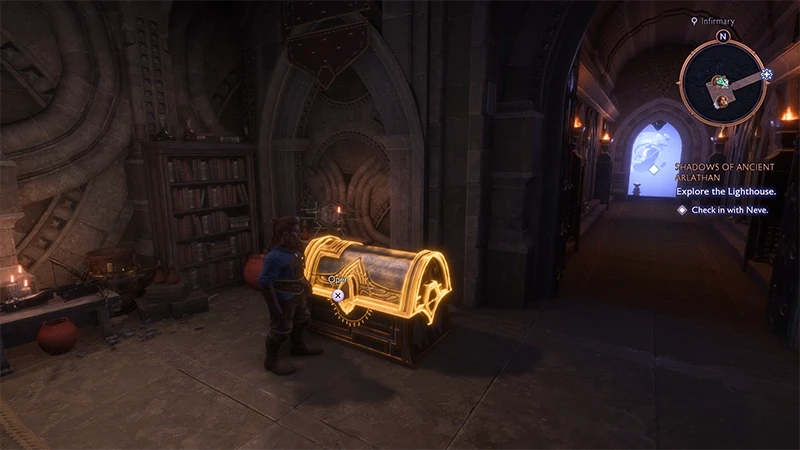
To find your pre-order items:- 1Play through the tutorial at the beginning of the game.
- 2Go to the Lighthouse.
- 3Open the Wardrobe to access your pre-order items.
How to upgrade from standard to Deluxe Edition
If you purchased the standard edition of Dragon Age™: The Veilguard and want to upgrade to the Deluxe Edition to get additional content, select and purchase the upgrade from the same storefront where you previously purchased the game. For example, if you bought the game on Steam, you would buy the upgrade to the Deluxe Edition on Steam too. Once you’ve paid the difference in cost for the upgrade, you’ll be able to find your additional content in Rook’s Wardrobe.DragonAge™: The Veilguard is available on PC, Xbox Series X|S, and PlayStation®5.Learn more about pre-order and Deluxe content.