Overview
Learn our tips and tricks for transferring a player from EA SPORTS™ College Football 26 to EA SPORTS™ Madden NFL 26.
How to import a player from Road to Glory to Superstar mode
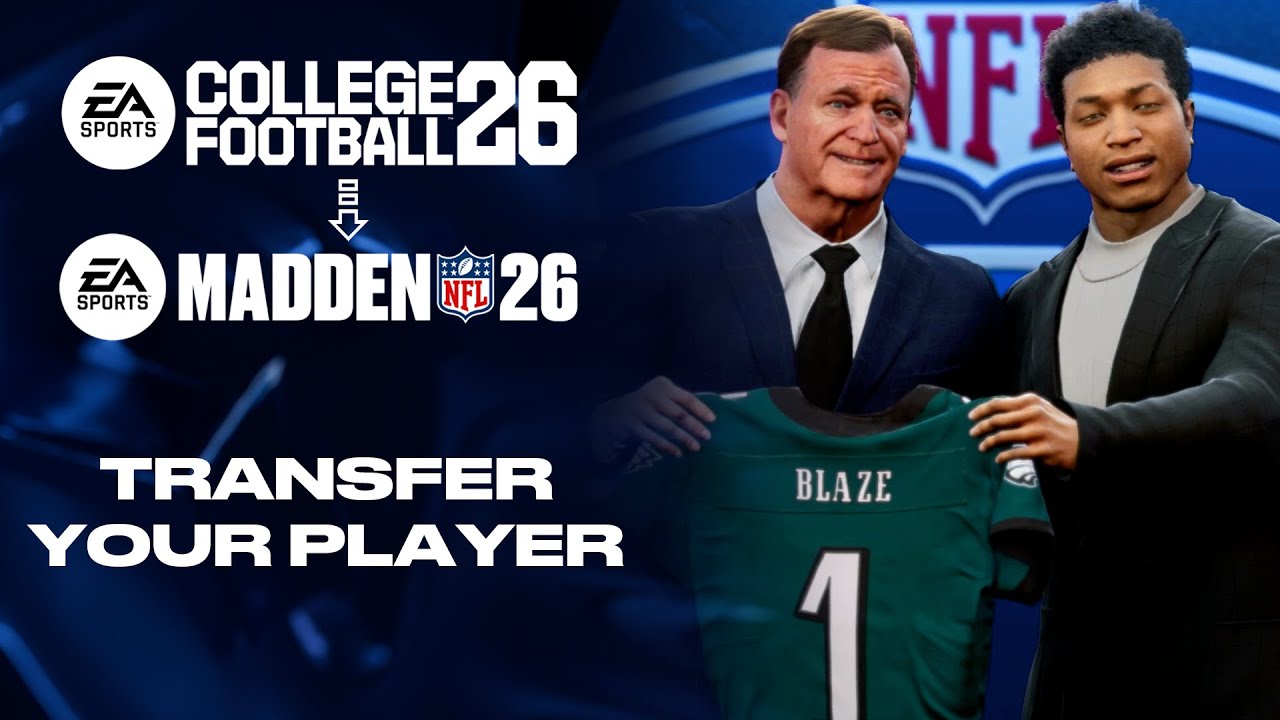
Avatar import is available on PlayStation®5 and Xbox Series X|S only.To transfer a player from EA SPORTS™ College Football 26 to EA SPORTS™ Madden NFL 26, your player needs to be eligible for the NFL draft. If your player is eligible:- 1Go to the Actions tab in the Road to Glory menu in EA SPORTS™ College Football 26.
- 2Select Leave for the NFL.
- 3Select Export Player to Madden.
- 4Leave the game and launch EA SPORTS™ Madden NFL 26.
- 5Go to the main menu and select Superstar.
- 6Select the position that matches your Road to Glory player.
- 7Select Import.
How to get your player ready for the draft
Your player will have to be ready for the NFL draft in EA SPORTS™ College Football 26 to transfer to EA SPORTS™ Madden NFL 26.How to increase your Skill Points
Skill points allow your player to upgrade their skills as they progress through the game. To get your player ready for the NFL draft, they’ll need to prove they have the skills necessary for professional football.To increase your Skill Points, you need to:- Train. Don’t neglect your training when planning your Weekly Agenda. Just like in the real world, training gradually improves your player’s abilities. It’s a balance, so spend your Energy wisely when planning.
- Conquer challenges. Daily, Seasonal, and Ultimate challenges showcase your skills, hone your talents, and improve your XP.
Skill points will develop slower if you choose to play Road to Glory as an Underdog.
- Get new items for your player using Cred, an in-game currency. You can earn Cred by playing online matches in Superstar: Showdown mode.
- Use Madden Points to get new items. Madden Points are optional and can be bought in-game with real-world money on all platforms. You can also buy them from the Xbox Store or the PlayStation® Store.
How to transfer stats
Here’s how to carry your stats over:- 1Complete your Road to Glory career and return to the main menu.
- 2When prompted, select Export to Madden.
- 3Launch EA SPORTS™ Madden NFL and start Superstar.
- 4Choose Import College Career when setting up your player.
You can only import once per save file in EA SPORTS™ Madden NFL. Make sure you're happy with your college career before exporting.
Requirements to transfer your stats
To move your progress from College Football to Madden, make sure:- 1You're signed in with the same EA Account on both games.
- 2You’ve completed your Road to Glory career and saved your final season progress.
- 3You’re connected to the internet so data can sync across games.
What stats transfer from College Football to Madden
If you're playing Road to Glory in EA SPORTS™ College Football, your player’s key stats can carry over to EA SPORTS™ Madden NFL’s Superstar mode. Here's what transfers:- Position
- Overall player rating
- Career achievements (like Heisman wins or championship appearances)
- College and Hometown.