Overview
Learn how to get VOLTA FOOTBALL™ up and running on your Nintendo Switch™
How to start VOLTA FOOTBALL™ on the Nintendo Switch™
- 1Select VOLTA FOOTBALL™ from the main menu.
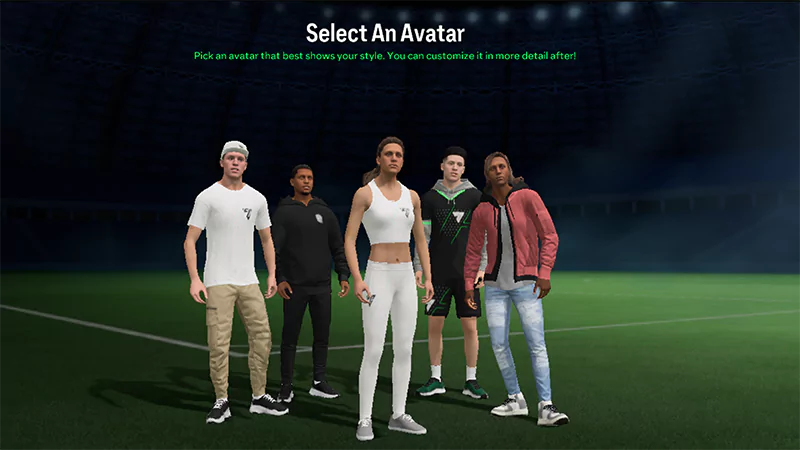
- 2Create an avatar.
- 3From the VOLTA FOOTBALL™ Main Hub, select the first tile to choose the VOLTA FOOTBALL™ mode you want to play.
Having trouble downloading EA SPORTS FC™ 24 on your Nintendo Switch™? Read our guide to get your game up and running.
What VOLTA FOOTBALL™ modes are on the Nintendo Switch™?
- VOLTA SQUADS Online
- VOLTA ARCADE Multiplayer
- VOLTA BATTLES Offline
Can I play VOLTA FOOTBALL™ in Kick-Off?
Yes, VOLTA FOOTBALL™ is also available in Kick-Off as an offline experience. VOLTA FOOTBALL™ in Kick-Off lets you play with authentic teams and real players.- 1Go to Kick-Off from the main menu.
- 2Select a Side.
- 3Select VOLTA FOOTBALL™.
- 4You can choose either a Single Match or House Rules Match from a variety of formats (3v3 Rush, 4v4, 4v4 Rush, 5v5, or Futsal).