Overview
Here are the basics about Premium Pass, how to get it, and where to find your objectives and progress.
What is Premium Pass?
Premium Pass is an optional upgrade to Season Pass in EA SPORTS FC™ 26 that lets you earn extra rewards as you progress along the seasonal ladder. You can use Premium Pass rewards in Ultimate Team™, Clubs, and Career Modes, and earn Season Points (SP) through Daily, Weekly, Seasonal, and Campaign objectives.How to get Premium Pass
You can get the Premium Pass at the top of the screen in Ultimate Team™, Career Mode, Clubs, or in the FC Hub.To get Premium Pass:- in Ultimate Team™, use UT Coins or FC Points
- in Career Mode, Clubs, or the FC Hub, use FC Points.
Getting Premium Pass mid-season? You unlock rewards for that level right away, and you’ll also retroactively earn all of the rewards from earlier in the season.
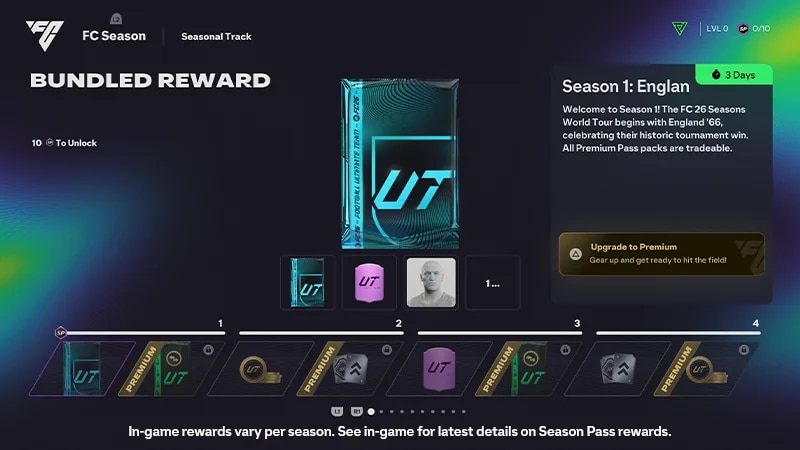
Rewards in Premium Pass
You’ll get a 5,000 Season Points (SP) boost in two installments of 2,500 SP for the current season when you upgrade to Premium Pass. The 5,000 SP boost only applies to the current season and doesn’t carry over.