Overview
Bundle Expansion, Game, and Stuff Packs to get downloadable content cheaper than buying it on its own.
What's a Bundle?
Looking to add some DLC content to your game? Build your own Bundle of Expansion Packs, Game, and Stuff Packs to save money on your purchase and get more content for your game, all at the same time.Bundles are only available on PC and Mac. If a Sims 4 sale is happening, discounted Packs can be added to a Bundle, but additional discounts won’t apply.Choose your Bundle
To create a Bundle, you need to choose one of each Pack type: Expansion, Stuff, and Game Packs. If you own all of one Pack type, you can’t build a Bundle. For example, if you own all of the Expansion Packs, you can’t create a Bundle, as there has to be one of each type.The Sims 4 Base Game is free to play, so you can’t build a Bundle that includes the Base Game. Instead, you can buy Packs to expand your game as a Bundle, which helps you save on your purchase. You can’t give a Bundle as a gift.Need some help installing the Base Game? Check out our guide to installing the game on the EA app.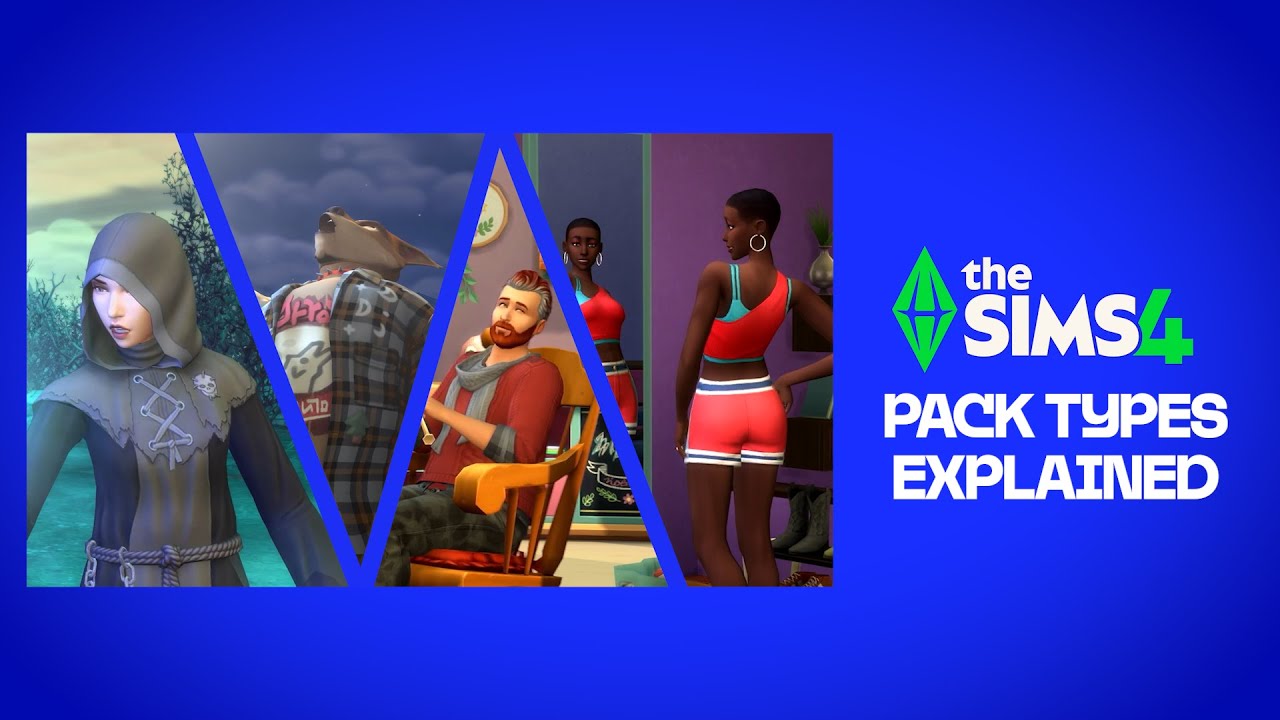
How to build a Bundle
- 1Open the EA app.
- 2Select The Sims 4 in your Library.
- 3Select Customize Bundle to choose an Expansion Pack, Game Pack, or Stuff Pack.
The EA app has replaced Origin as the main platform for downloading and launching The Sims 4 for both Mac and PC. Mac users need to use macOS Catalina or later to run the EA app. Check out our macOS guide to learn more about upgrading your macOS.