How to pre-order games on the EA app

1 최소 읽기

개요

Here’s what you need to know about pre-ordering games on the EA app.

How do I pre-order games on the EA app?

  1. 1
    Search for the game you want to pre-order on the EA app, then select it. 
  2. 2
    Choose Select Edition. You’ll be taken to a page with more info about the bonus content that comes with each pre-order edition.
  3. 3
    Select the edition you want to buy.
  4. 4
    Follow the payment instructions to complete your purchase.
You’ll be charged immediately after placing your order. Make sure your payment method is up to date on your account. 
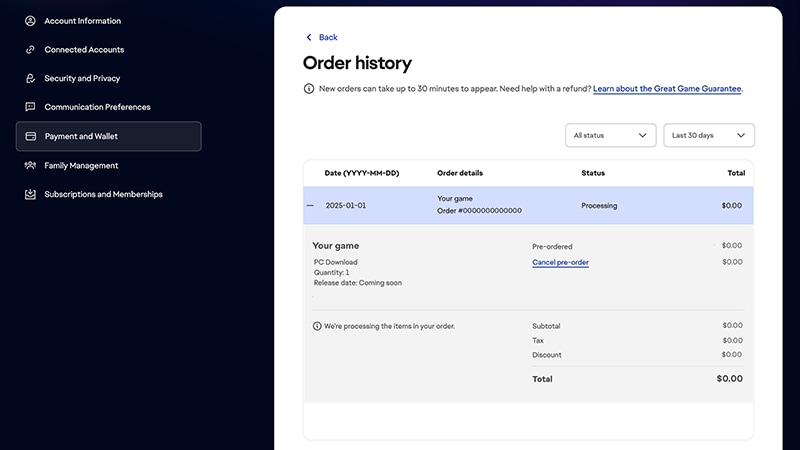
You’ll get an email confirming your pre-order, and another email when the game comes out. You can check the status of your pre-order in your account settings on ea.com.EA app 주문 내역 페이지. 이 페이지에는 주문 날짜, 주문 세부 정보, 상태, 총 비용이 표시됩니다.
아직 문제가 있습니까?
도움이 더 필요하면 고객 지원팀에 문의하세요.