Overview
The commentary language is set to English by default in EA SPORTS FC™. Learn how to change it and how to download the audio downloadable content (DLC).
Change the commentary language in EA SPORTS FC™
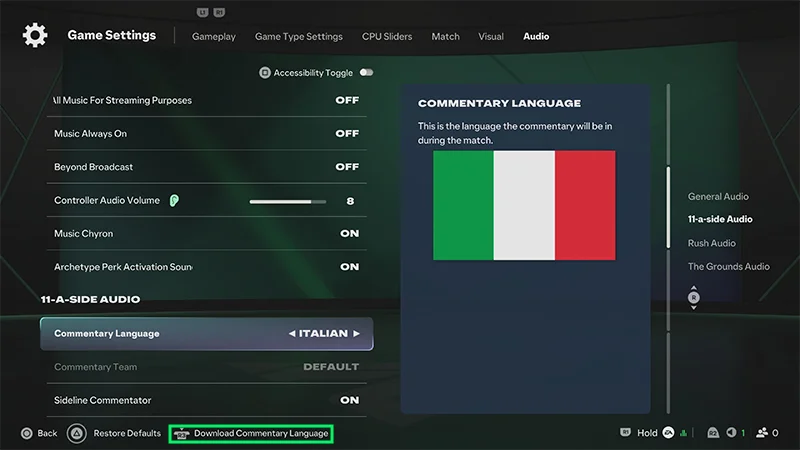
You can change match commentary from Game Settings.- 1From the main menu, open Game Settings.
- 2Go to the Audio tab.
- 3Go to Commentary Language.
- 4Choose your preferred commentary language