How to change the language settings in the EA app

Updated 1 day ago1 min read

Overview

Find out how to change your language in the EA app or in your game.

How to change your language

  1. 1
    Launch the EA app and log in to your EA Account.
  2. 2
    Select the menu icon (it looks like 3 horizontal lines) in the top-left corner of the app and select Settings.
    • You can also select your EA ID in the top-right corner and choose Settings from the list.
  3. 3
    Select Application.
  4. 4
    Under Application, use the Language dropdown menu to choose your language.
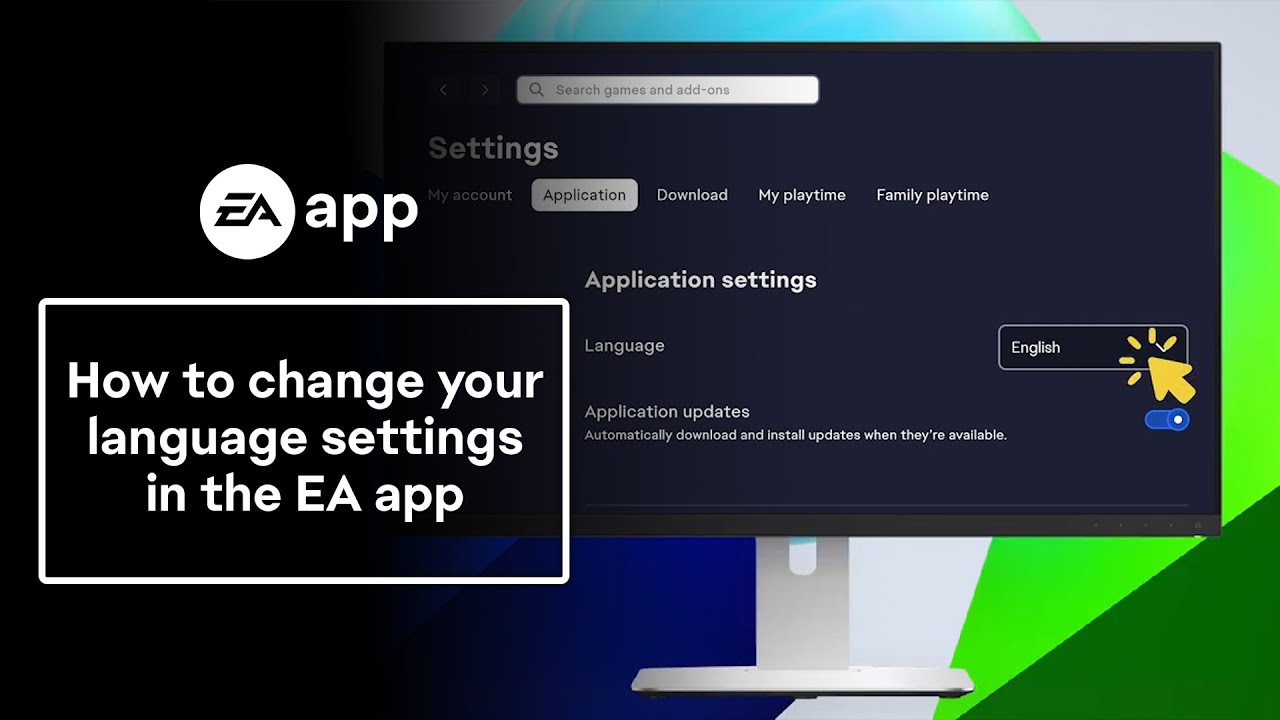
The app will automatically refresh to your chosen language.Need more help? Learn how to change your language settings in the EA app in our video guide.

If your language isn’t available

Your game may not be available in your language. If you’ve accidentally bought a language-specific version of a game, contact us.
Still having issues?
Get in touch with our customer support team for more help.