Overview
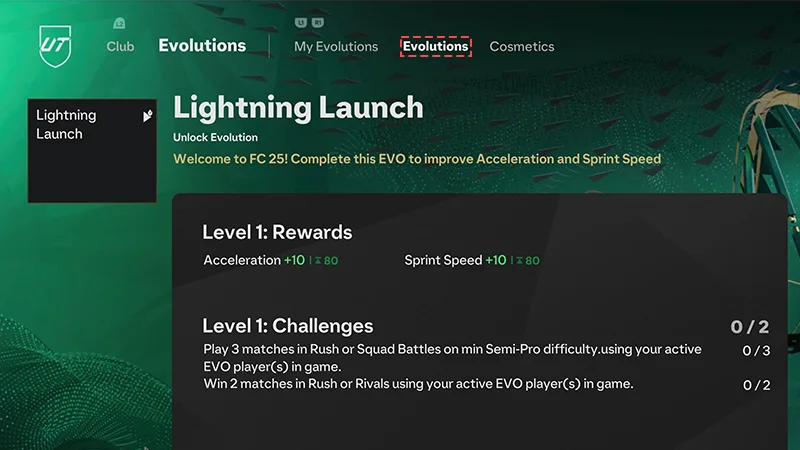
Use Ultimate Team™ Evolutions to level up, tweak, or customize your Players. Once you submit a Player to a standard Evolution slot in Ultimate Team™, you can complete gameplay challenges to get permanent upgrades for your Player.
How to submit a standard Evolution
Once a Player is submitted to a standard Evolution slot, they become untradeable.
- 1Open Ultimate Team™.
- 2Go to the Club tab.
- 3Go to the Evolutions tab.
- 4Select My Evolutions.
- Set the Evolution you want to progress to Active.
- Complete the challenges, then claim your upgrades.
- 5Select Available Evolutions.
- Some Evolution slots might require FC Points or UT Coins to unlock. Check the requirements and submit an eligible Player.