Overview
Learn how to appease, anger, and what to gift the Gnomes in The Sims 4. With The Sims 4 Seasons comes lots of extra content, including the Gnomes, who love to make your gameplay even more chaotic. These mischief makers can be difficult to deal with, but our guide makes appeasing them easy.
Why do the Gnomes appear?
A key part of The Sims 4 Seasons Expansion Pack is the addition of holidays to the game. Each holiday that appears on your Sim’s calendar has set traditions, which are activities for your Sims to participate in.The Harvestfest holiday, which happens during Fall in the game, includes four default traditions: Decorating, Thankful Spirit, Grand Meal, and Holiday Gnomes.
During the Harvestfest holiday, the Gnomes will randomly spawn around your Sim’s lot. You have options on how you can interact with them, which can have positive and negative outcomes in your gameplay.
How to appease the Gnomes
By clicking on the Gnomes, you can Put in Inventory, View, Name, and Appease the Gnome. Clicking Appease the Gnome lets you give them a gift.When a Gnome gets a gift they like, a halo appears above their head and they’ll give you a gift in return. These gifts are usually packets of Seasonal Seeds which you’ll find scattered around your lot.
What happens if I don’t appease the Gnomes?
There are a couple of ways you can anger the Gnomes: by selecting Kick the Gnome when you click on them, or gifting them something they don’t like, as each one is appeased with a different gift.When you’ve angered a Gnome, fire will appear above its head, and appliances on your lot (like sinks and TVs) will suddenly break. If your Sim chooses to Kick the Gnome, all the Gnomes on the lot will get angry and cause even more chaos!
If you have an angry Gnome, your Sim can Plead for Forgiveness. This doesn’t always work and can further anger the Gnome resulting in your Sim getting struck by lightning. Don’t worry though, this zap isn’t fatal for your Sim—they’ll just look a little singed and be left with a Dazed moodlet for a while.
Gifts to give each Gnome
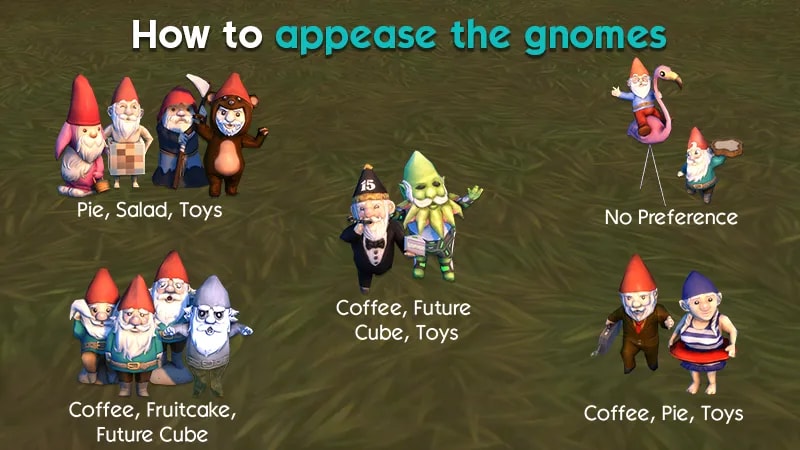
- Coffee
- Fruitcake
- Future Cube
- Pie
- Salad
- Toy
These gifts don’t come from your Sim’s inventory, so you can select any from the menu. Be warned, some Gnomes will only accept certain gifts and will be unhappy if gifted something they don’t like.
Choosing the right gift for the right Gnome
Check out our guide to find out which gift to give each Gnome in your game. Happy Gnomiversary!
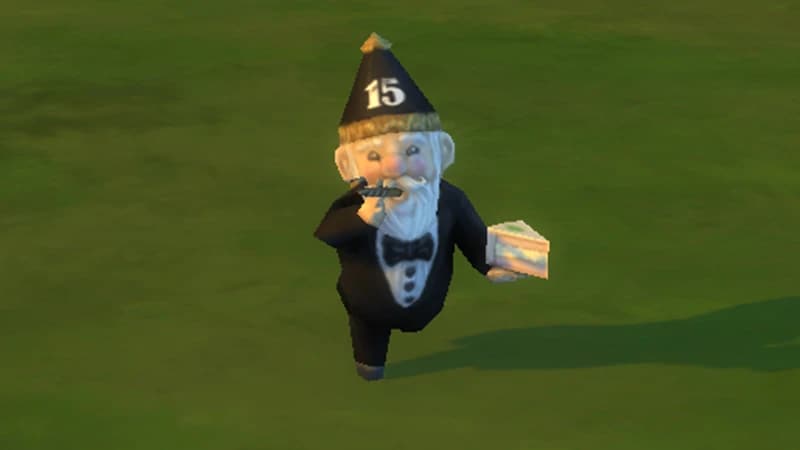
This Gnome wears a tuxedo and is holding a party popper and a slice of cake. Happy Gnomiversary can be appeased with Coffee, Future Cube, and Toys.
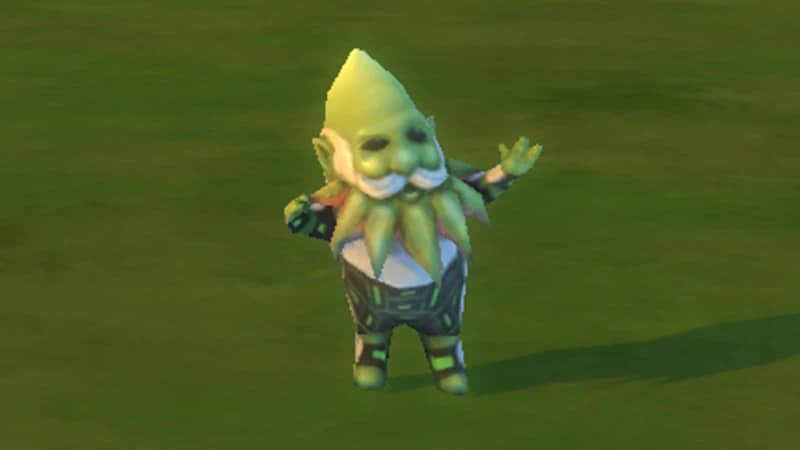
This Gnome is a green futuristic alien with a pointy head. Guardian of the Gnomelaxy can be appeased with Coffee, Future Cube, and Toys.
A classic Gnome wearing a red hat, with his arms raised above his head. Gnome Matter What, I’m Still Your Baby can be appeased with Coffee, Fruitcake, and Future Cube.
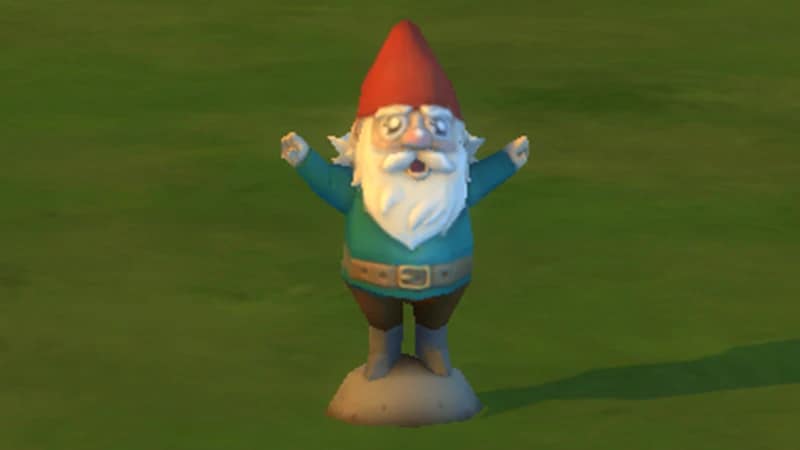
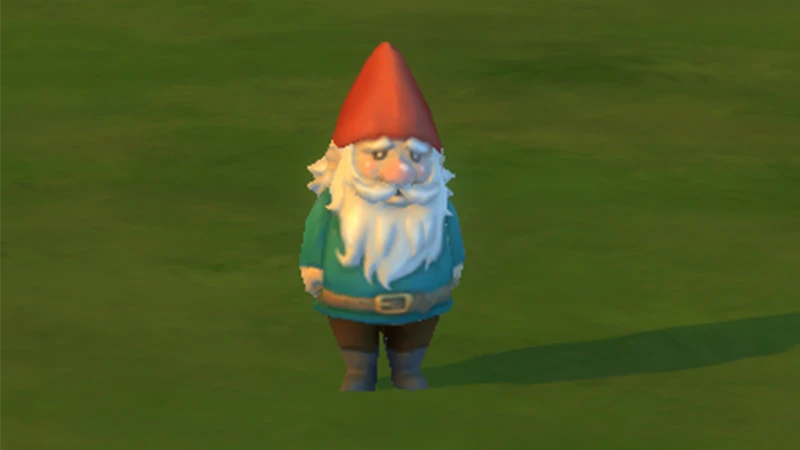
A classic Gnome wearing a red hat, and his arms tucked by his side. There’s No Place Like Gnome can be appeased with Coffee, Fruitcake, and Future Cube.

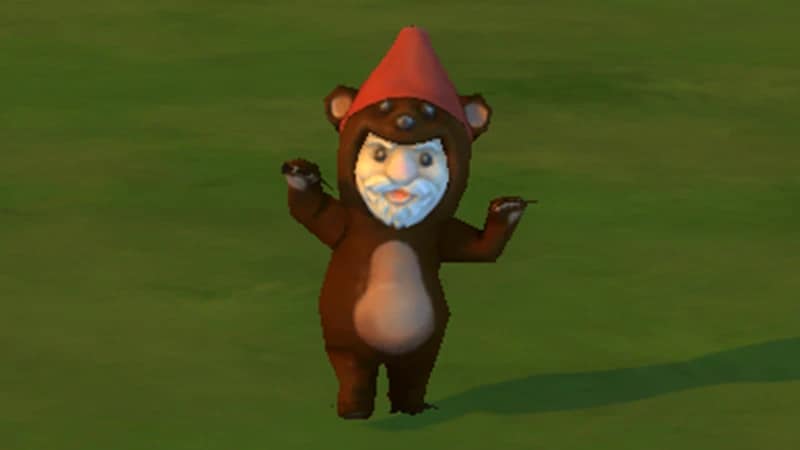
A Gnome dressed in a bear costume. Bearely Gnome can be appeased with Pie, Salad, and Toys.
A gray, slightly transparent, ghost of a Gnome. The Ghastly Ghostly Gnome can be appeased with Coffee, Fruitcake, and Future Cube.

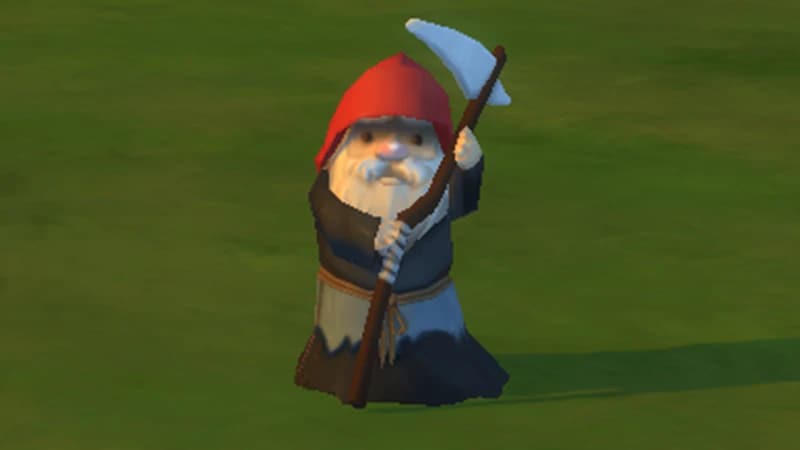
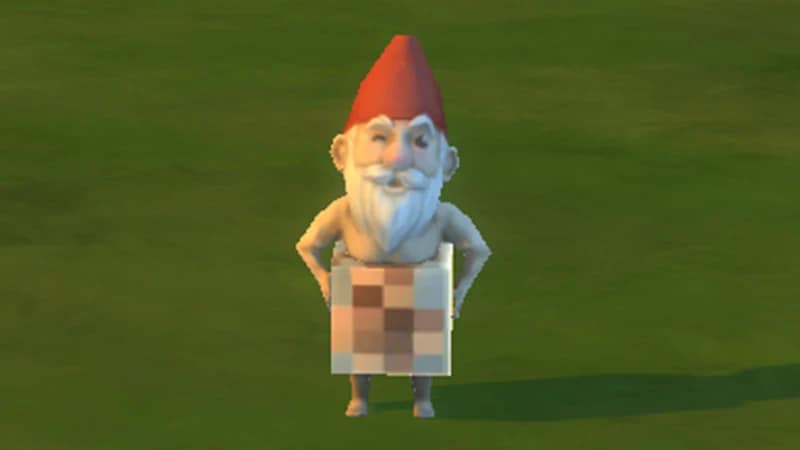
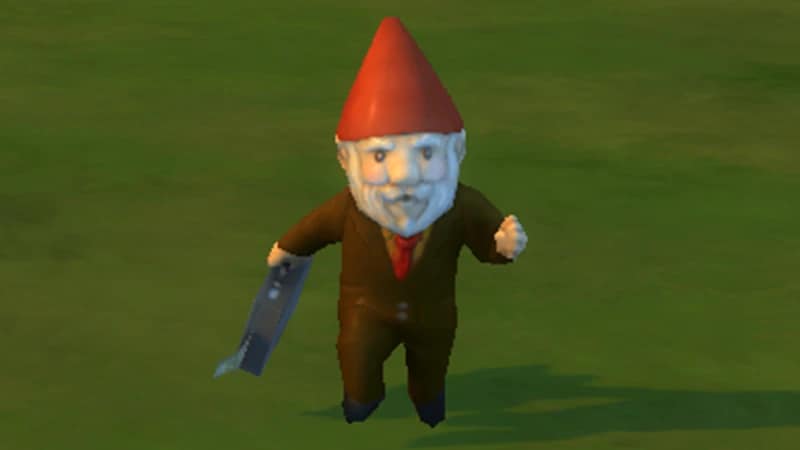
A Gnome wearing a suit and holding a briefcase. Strictly Business Gnome can be appeased with Coffee, Pie, and Toys.
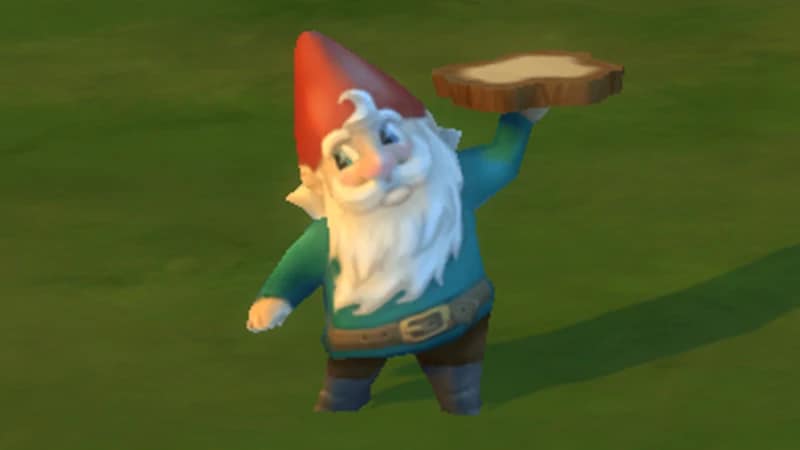
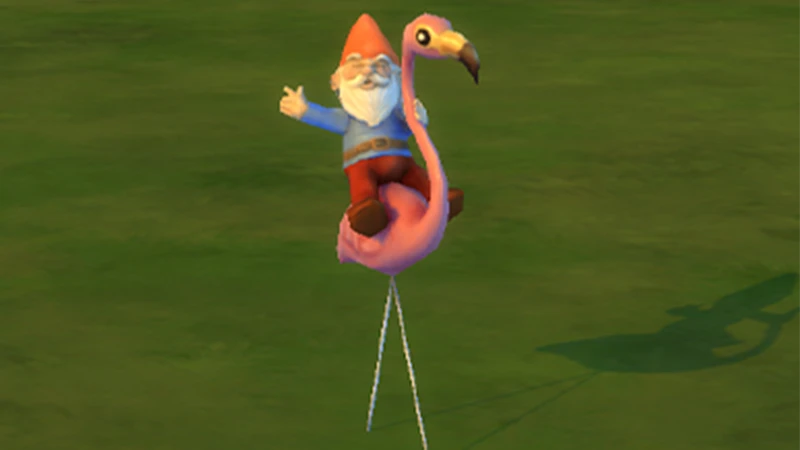
A classic Gnome, wearing a red hat, riding on top of a flamingo. High Rider Gnome has no gift preferences.
How to turn off the Gnomes
You can edit all holidays in The Sims 4 calendar and turn off the Gnomes if you don’t want them to appear in your game.- 1Open the calendar in the bottom left of Live Mode.
- 2Select the Harvestfest holiday on the calendar.
- 3Click the edit icon.
- 4With the Harvestfest holiday now open you can change the traditions.
- 5To delete an activity click the x on the top right of the icon. This will appear when you hover over the tradition.

To re-add the Holiday Gnomes tradition to a holiday, follow these steps:
- 1Open the calendar in the bottom left of Live Mode.
- 2Select the Harvestfest holiday on the calendar.
- 3Click the edit icon.
- 4With the Harvestfest holiday now open you can change the traditions.
- 5Select Holiday Gnomes from the list of options below the default traditions.
If you don’t want to remove the Holiday Gnomes tradition from the calendar, but also don’t want to have to appease the Gnomes, you can sell them as they appear by opening up Build Mode. They’ll still spawn in your game but you can sell them and earn some Simoleons.
Enchanted by Nature Expansion Pack
The Sims 4 Enchanted by Nature Expansion Pack also comes with Gnomes, and the seaside neighborhood of Coast of Adhmor is the place to find them! In this Expansion Pack, you have the power to bring Gnomes to life and give them chores; all you’ll need is a sprinkling of Fairy Dust.Once assigned, Gnomes will teleport near objects to handle these tasks.
- Cleaning: they can zap away puddles, trash, dirty dishes, and even clean dirty Sims.
- Gardening: they can water, weed, fertilize, and revive plants and giant crops (if you own The Sims 4 Cottage Living Expansion Pack). They can improve harvestable quality and leave seed packets.
- Repairs and upgrades: they can fix broken or scratched items and upgrade appliances.
- Protection: they can scare off enemies, destroy evil Gnomes with fireballs, and send the Grim Reaper away to save a dying Sim.
How to bring a Gnome to life
With this Pack, you can bring any Gnome to life, whether you find one in-game or buy one from Build Mode. To do this, your Sim will need Fairy Dust. To find out how to get Fairy Dust, check out our Fairy guide for more info.- 1Select a Gnome and choose Bring Gnome to Life.
- 2In the menu, choose between: For Gardening, For Cleaning, For Repairs and Upgrades, or For Protecting.
Once your Gnome comes to life, you’ll get a notification to tell you what it’s capable of and what tasks it’s completed. Be warned, Gnomes can be good or evil, and bringing one to life increases your chances of spawning an evil Gnome which can cause havoc for your Lot and Sim!
Tip: Sims can now craft Gnomes using the Woodworking Table.