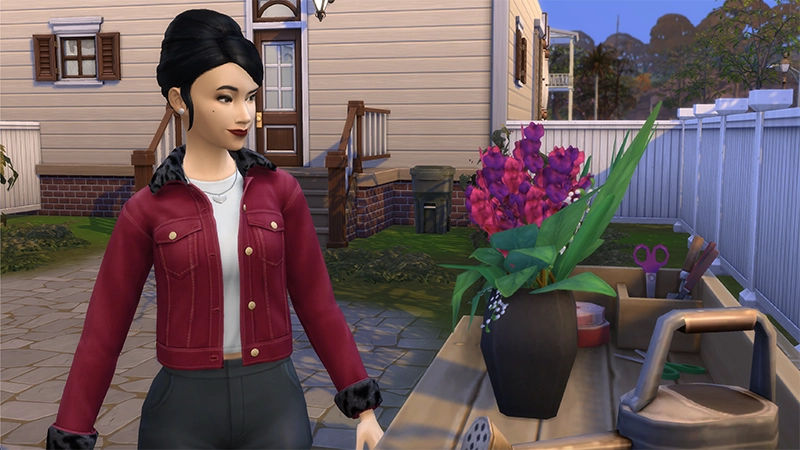
A Death Flower is a rare plant in The Sims 4 that can be used to bargain with the Grim Reaper to save another Sim from death. It’s also a vital ingredient in creating Ambrosia, which can bring a Ghost Sim back to life. For more info on how to make Ambrosia and how to bargain with Grim, check out the How to bring a Sim back from the dead section in our death guide. Sims can also use Death Flowers in their flower displays. If you have the Seasons Expansion Pack and your Sim is a level 9 in the Flower Arranging skill, they can create a deadly display that kills Elder Sims. For more info on how to do this, check out the Seasons section in our death guide.
How to get a Death Flower in The Sims 4
There are a few ways you can get a Death Flower in The Sims 4: you can buy one, grow one, or even cheat for one.
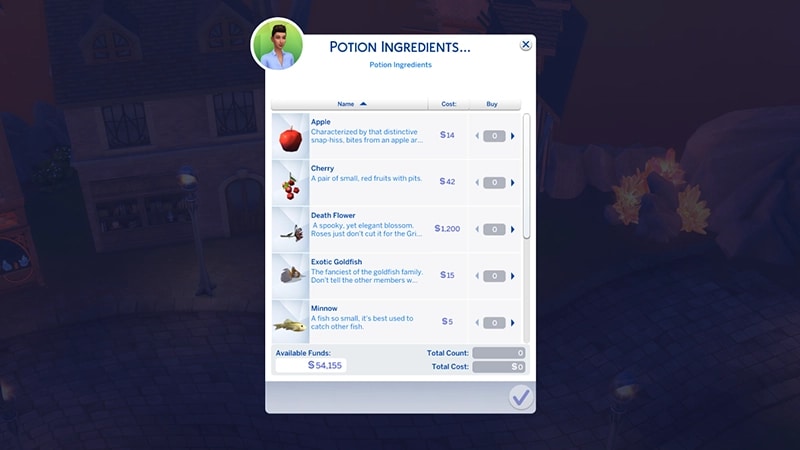
Your Sim can purchase the Rare Plants seed packet for §1,000 in the hopes of getting a Death Flower. Be warned, these packets are random, and what’s inside can vary! You may need to buy more than one before you get lucky. If you own The Sims 4 Realm of Magic Game Pack, travel to Caster’s Alley (the shopping district in the magic realm). Sometimes they’re available to buy at the Potion Shop.
For your Sim to grow a Death Flower, they need to be a level 5 in the Gardening skill to unlock the Grafting ability. A Death Flower is made by grafting a Pomegranate to an Orchid.For more details on how to level up your Gardening skill and how to graft plants, check out our gardening guide on EA Help.
How to get a Death Flower with cheats?
To get a Death Flower through cheats, first unlock hidden objects using the steps below. Then, open Build Mode and using the search box, type in Death Flower. Scroll through the available options until you find the Death Flower. You can buy one for §1,200.
PC and Mac
PC and Mac
PlayStation®
PlayStation®
Xbox
Xbox
1
Press Control + Shift + C to open the cheat dialogue box.
2
Type testingcheats true and press Enter to turn on cheats.
3
Type bb.showhiddenobjects and press Enter.
1
Press the R1 + R2 + L1 + L2 buttons at the same time to open the cheat dialogue box.
2
Type testingcheats true and press Enter to turn on cheats.
3
Type bb.showhiddenobjects and press Enter.
1
Press the RB + RT + LB + LT buttons at the same time to open the cheat dialogue box.
2
Type testingcheats true and press Enter to turn on cheats.
3
Type bb.showhiddenobjects and press Enter.
Still having issues?
Get in touch with our customer support team for more help.