How to access Stats Hub in EA SPORTS FC™ 26

1 min read

Overview

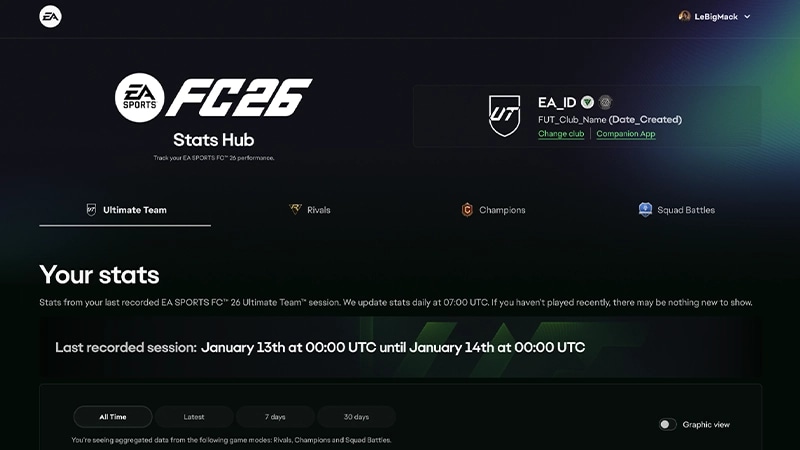
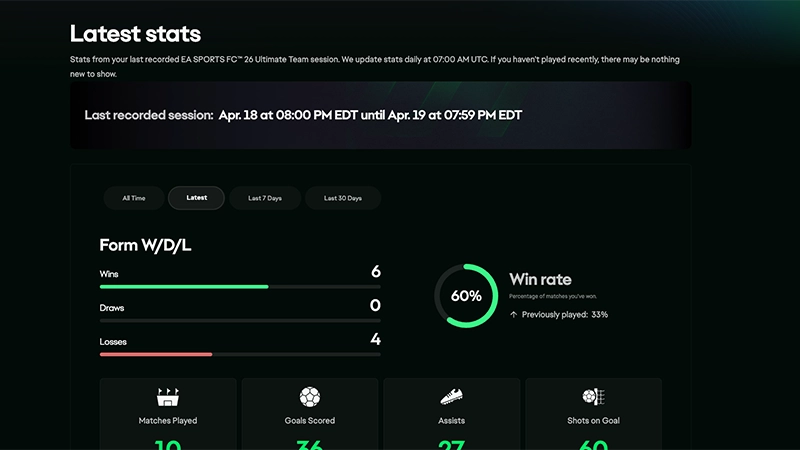
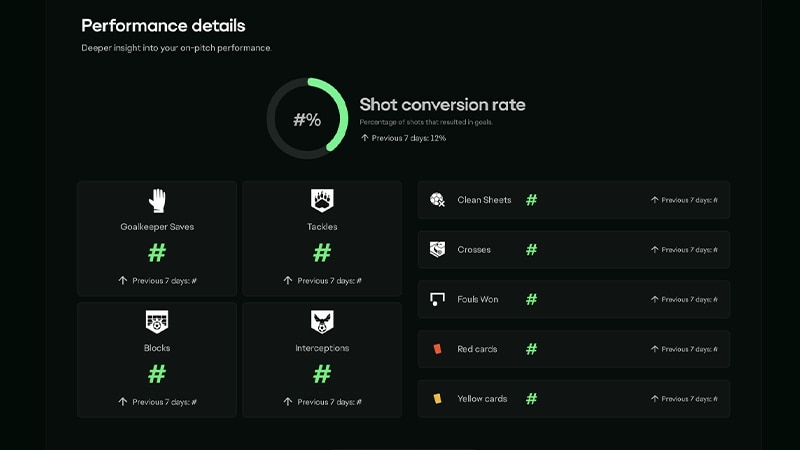
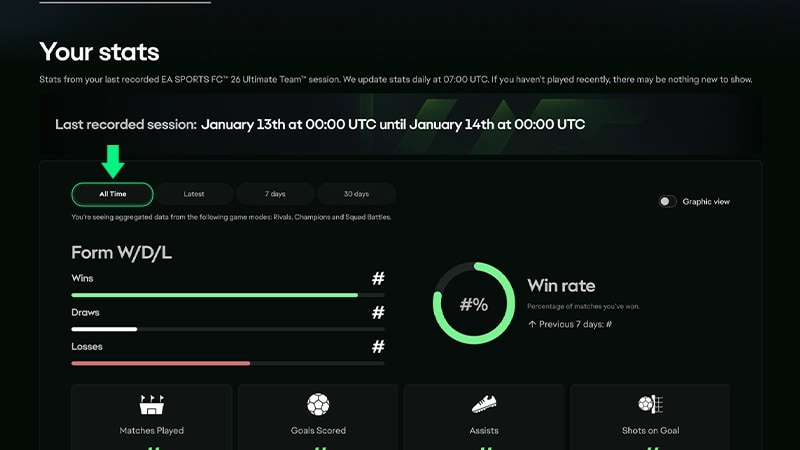
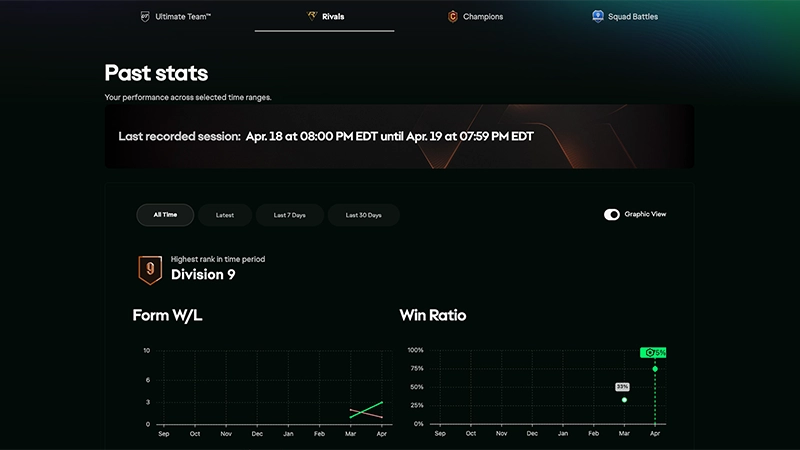
Stats Hub shows a personalized view of your performance in EA SPORTS FC™ 26 Ultimate Team™, helping you track progress, spot trends, and improve your game over time. You can check your stats daily, compare performance across modes, and see how your gameplay evolves.

What is Stats Hub?

Stats Hub is a new out-of-game experience for Ultimate Team players that lets you track your stats, follow your progress, and share your stats with other players. For now, only certain players in the United States and the United Kingdom can join.You can use Stats Hub to:
  • track your performance over time
  • review your strengths and areas to improve
  • see your progress.
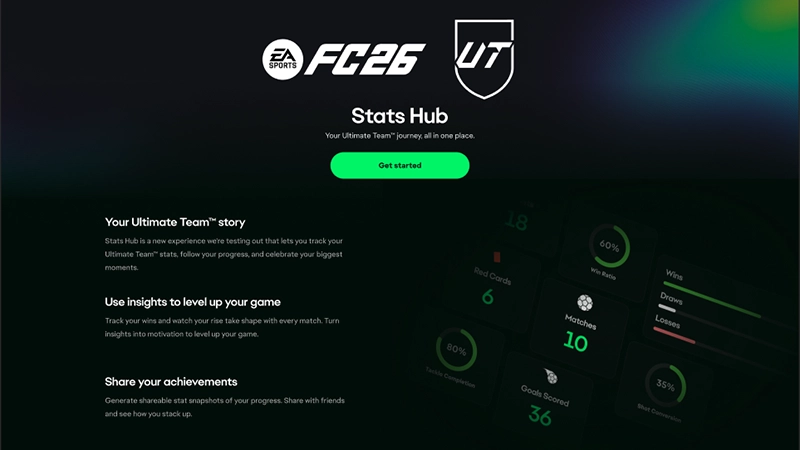
EA SPORTS FC 26 Ultimate Team Stats Hub screen with a Get started button and player stats overview.

Do I have access to Stats Hub?

Stats Hub is currently launched as a limited test and is available for select players in the United States and the United Kingdom.Sign in using your EA Account on Stats Hub to check if you have access. 

How to sign up for the Stats Hub waitlist in EA SPORTS FC™ 26

If you don’t have access, but you’re:
  • 18+ years old 
  • and located in the United States or United Kingdom
you’ll be offered the option to join the waitlist after selecting Get Started and signing in on Stats Hub.  

How to view Stats Hub if you have access

To use Stats Hub, you’ll need to sign in with your EA Account.
  1. 1
  2. 2
    Sign in using your EA Account.
    • Make sure to use the same EA Account that’s linked to your EA SPORTS FC game
    • If you play on multiple platforms, choose the persona you’d like to view stats for. You can switch personas at any time. 
  3. 3
    If you have access, you’ll be taken to your stats dashboard.
  4. 4
    If you don’t have access yet, you might be asked to join a waitlist. 

What you can see in Stats Hub

Stats Hub shows a mix of daily and season-long performance data to help you understand your gameplay.
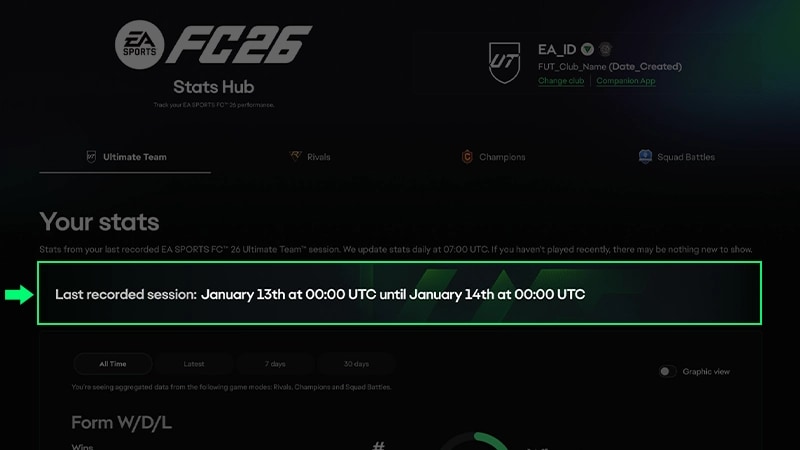
Stats are updated daily, so your most recent matches may take some time to appear.

How to share your stats from Stats Hub

You can create a shareable snapshot of your stats:
  1. 1
    Select Share Latest Gameplay.
  2. 2
    Choose an image size for your download, and generate your stats image.
  3. 3
    Share it with friends or on social media. 

Frequently asked questions about Stats Hub

How to give feedback on Stats Hub

Want to give feedback about your experience using Stats Hub?Select Share your feedback at the bottom of your Stats Hub dashboard.
Still having issues?
Get in touch with our customer support team for more help.