Overview
You can create Custom Adjustments in the Create & Share menu under Custom Adjustments. After you’ve created, named, and saved them, you can use adjustments in matches to quickly change your setup before the snap.
What are Custom Adjustments?
Custom Adjustments (also called macros) let you presave adjustments like fronts, leverages, coverage behavior, protection, route concepts and more into a custom package. You can use Custom Adjustments in matches to make quicker changes before the snap.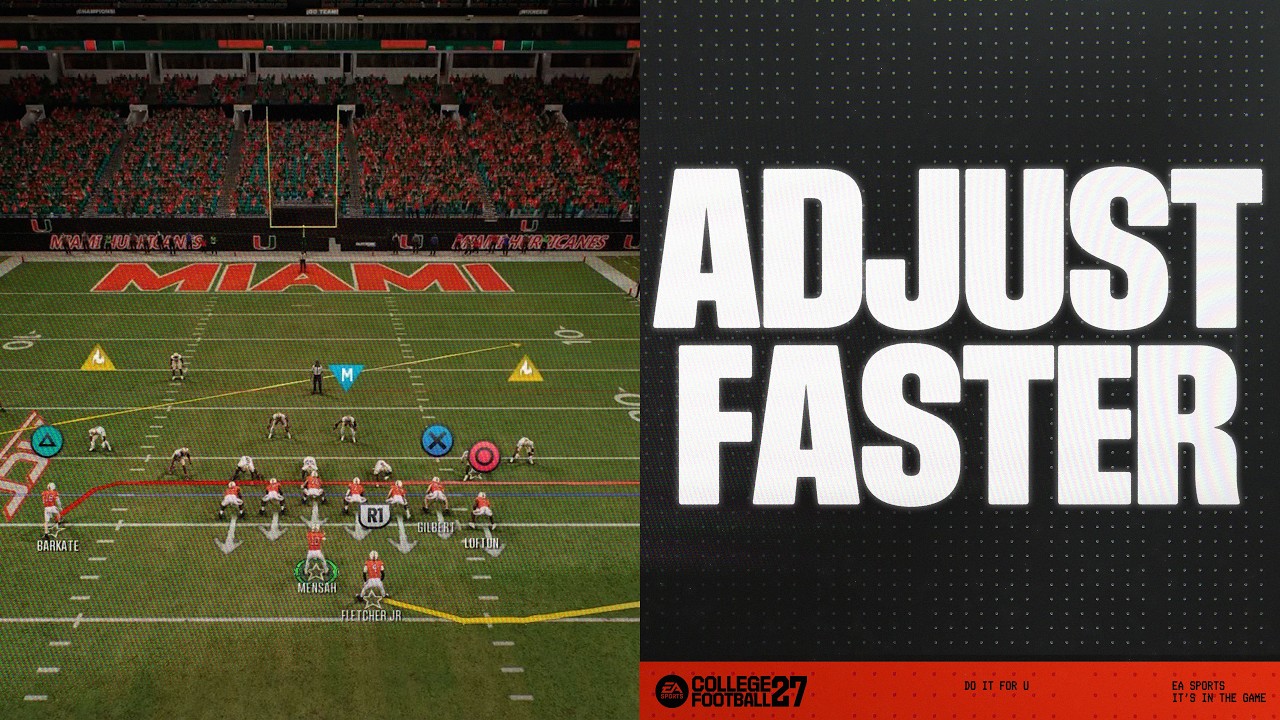
How do I create Custom Adjustments?
- 1Open the EA SPORTS™ College Football 27 main menu and select Create & Share.
- 2Choose Custom Adjustments.
- 3Choose Offense or Defense, then select Create Adjustment.
- 4Create a new Custom Adjustment by scrolling through and ticking the options.
- 5When you’re finished making edits, Save your new adjustment.
- 6Enter a name for your adjustment, then choose Done.
- Make sure to use a name you’ll recognize in matches.
Not sure what Custom Adjustments to make? There are preset adjustments you can use immediately.
How do I use Custom Adjustments?
Play call screen
Scrimmage line
- 1Press or tap the button for the play you want to choose.
- 2Use the left stick or arrow keys to scroll and choose the custom adjustment you want to use.