Overview
Customize your College Football team from the ground up using Team Builder, and learn how to import your creation into Play Now, Dynasty, or Road To Glory.
What’s Team Builder?
In Team Builder, you can customize your College Football team's brand, uniform, stadium, and programs. You can use premade designs, upload your own creations, or browse the download center to see teams created by the community.Whether you’re playing as your favorite real-life school, crafting a throwback squad, or building your own fantasy university, Team Builder gives you creative control.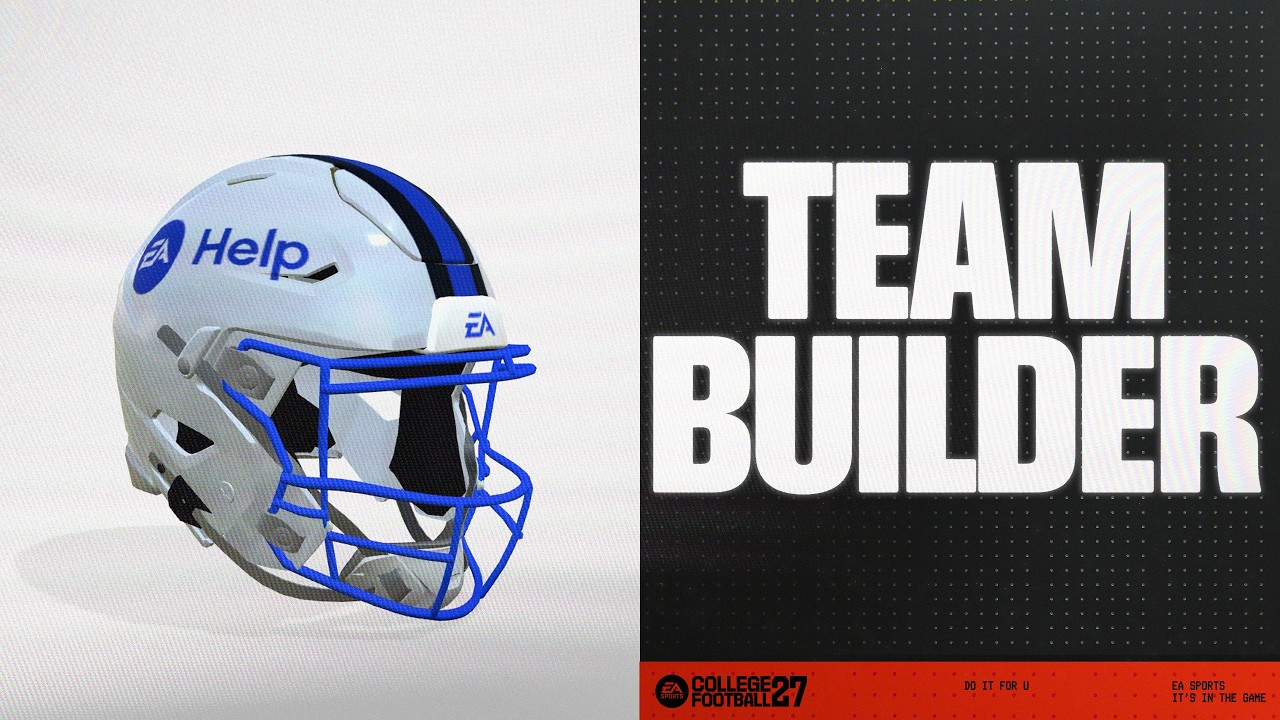
How to access Team Builder
You can access Team Builder on ea.com using a desktop browser. Here’s some important information to know before you access and use Team Builder.- Team Builder works on desktop browsers with traditional operating systems like Windows and macOS. It’s not supported on phones, tablets, or devices like Chromebooks.
- Content created in Team Builder can be used in Play Now Mode, Dynasty Mode, and Road to Glory.
- You need an EA Account and an internet connection to use Team Builder.
- You may need an account on the console or service you play on.
- Age restrictions may apply.
How to use Team Builder
- 1Go to the Team Builder website using a desktop browser.
- You won’t be able to use Team Builder while you’re logged in to College Football.
- 2Select Get Started and sign in using your EA Account details.
- 3Choose an existing team to customize, or select Create to build one from scratch.
- 4Go through the Brand, Uniforms, Stadium, Program, and Roster tabs to choose your preferences for customizing your team.
- 5When you’re finished, select Save.
- 6Select Submit. All the customization choices you made will be summarized on-screen.
- 7To confirm your choices, choose Submit. To go back and customize again, select Cancel.
What’s the next step after submitting my team in Team Builder?
Once you submit your team, you’re ready to import it to use in Play Now, Dynasty, or Road to Glory. Follow these steps to import your Team Builder team.What can I customize in Team Builder?
Team Builder has five tabs, each with its own set of customization options.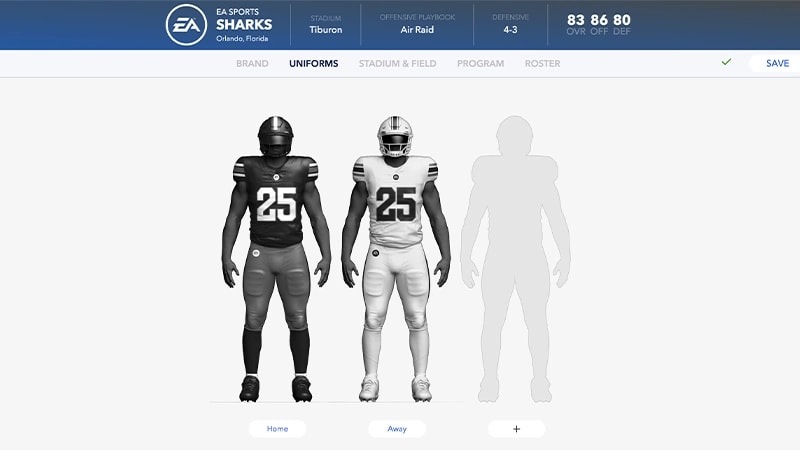
Choose your logos, color palette, apparel brand, and fonts.
Create uniforms for both home and away games. Choose from different styles, textures, and colors to design your helmet, jersey, and pants.
Choose your stadium’s name, capacity, crowd, atmosphere, style, and stadium base. Customize your stadium's structure and appearance with different end zone buildings, jumbotrons, landscapes, and edgewalls. You can also personalize your game-day presentation with custom goal posts, postseason end zones, stadium sounds, and team branding throughout your stadium.Learn how to use Stadium Builder to customize a stadium.
Get an overview of your entire team and customize each player's appearance, physical attributes, college year, and skill ratings. Use the Strategy menu to choose your Offensive and Defensive Playbooks.
Build your team and adjust dealbreakers, ratings, abilities and appearances, hometowns, and names.
By using Team Builder, you’re agreeing to EA’s Rules of Conduct. Any content that violates our User Agreement will be taken down.