Overview
PlayStyles and PlayStyles+ make each player feel unique in EA SPORTS FC™. They’re inspired by real-world abilities and help you understand what makes every footballer perform differently on the pitch. You’ll see them across modes like Ultimate Team™, Career Mode, and Clubs. Learn how they work to get the most from your squad.
What are PlayStyles?
PlayStyles are special abilities that bring to life the on-pitch abilities that make players special.There are two levels of PlayStyles.- PlayStyles give players unique skills to make them stand out in their roles.
- PlayStyles+ enhance those abilities and give enhanced effects compared to their regular counterparts.
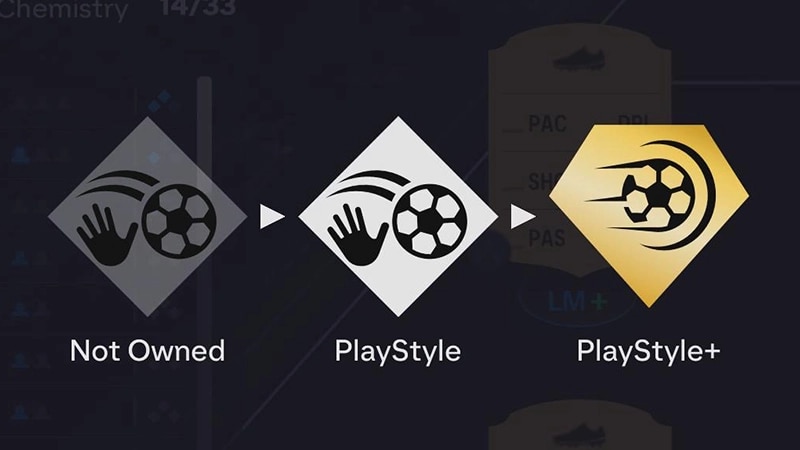
- Power Shot: increased ball travel speed for Power Shots.
- Power Shot+: lower elevation for high-powered Power Shots.
How PlayStyles impact your gameplay
PlayStyles can change:- Abilities: boosting certain stats or animations in key moments.
- Team strategy: creating unique chemistry between player types.
- Player roles: influencing who should take corners, free kicks, or penalties.
How to find PlayStyles in-game
Ultimate Team™
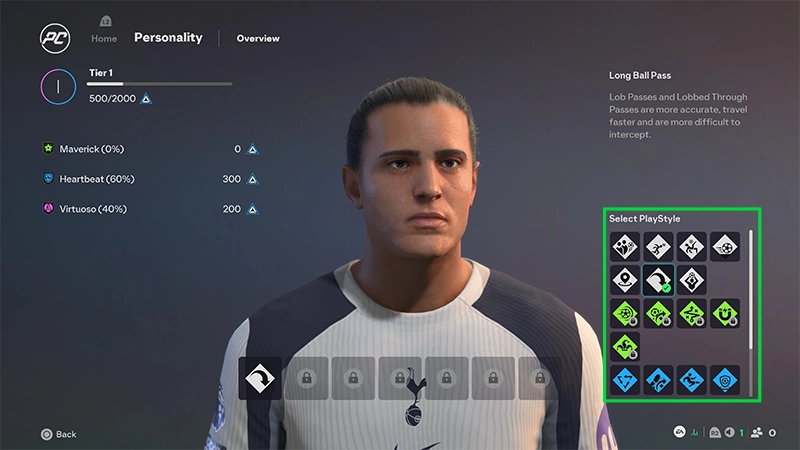
Player Career Mode
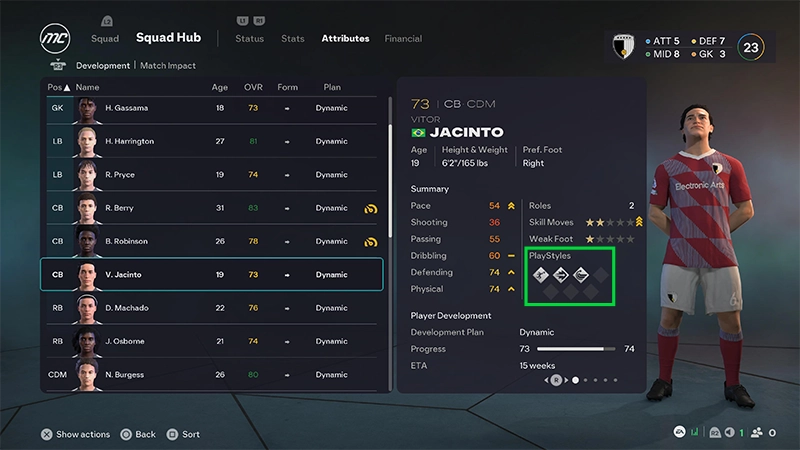
Manager Career Mode
Clubs
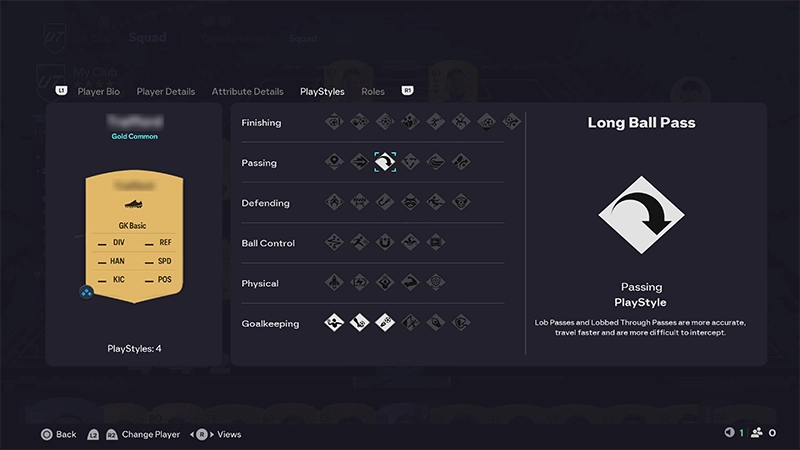
- 1From the Main Menu, go to Ultimate Team™.
- 2Select the Club tab.
- 3Highlight a player and select Player Details.
- 4Toggle to the PlayStyles tab.
Frequently asked questions about PlayStyles
You can’t manually change PlayStyles, but you can get different versions of the same player with unique PlayStyles through Packs, Objectives, the Transfer Market, or Evolutions. Evolutions can also give Player Items new PlayStyles.
No. PlayStyles don’t directly change chemistry, but they influence how your team performs when used strategically.
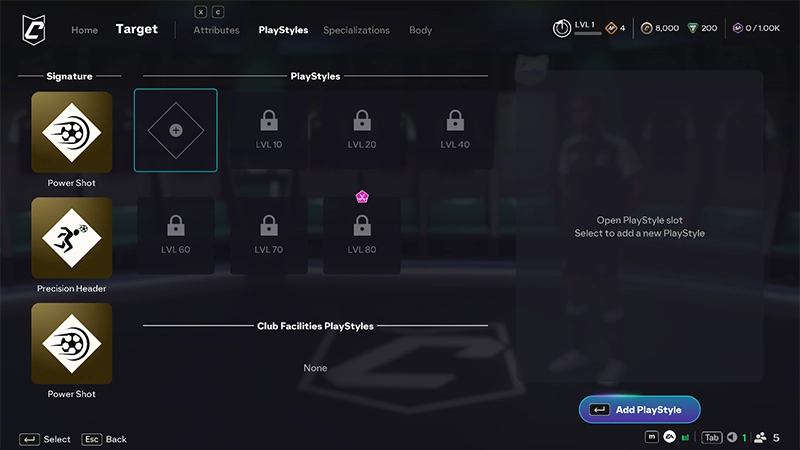
Each Archetype in EA SPORTS FC™ has its own set of unique Signature PlayStyles that reflect that Archetype’s style of play. These Signature PlayStyles are automatically unlocked and equipped when you unlock your Archetype, and they upgrade to PlayStyle+ as you progress with that Archetype.You can also unlock additional Signature PlayStyles through Specializations. If you unlock one through a Specialization, you’ll need to manually equip it to replace one of your current Signature PlayStyles.