Panoramica
Le partitelle sono brevi attività multigiocatore disponibili all'interno di The Grounds in EA SPORTS FC™ 27. Scopri come trovare e partecipare alle partitelle, come funziona ogni attività e come guadagnare PE archetipo e crediti Grounds.
Come avviare una partitella
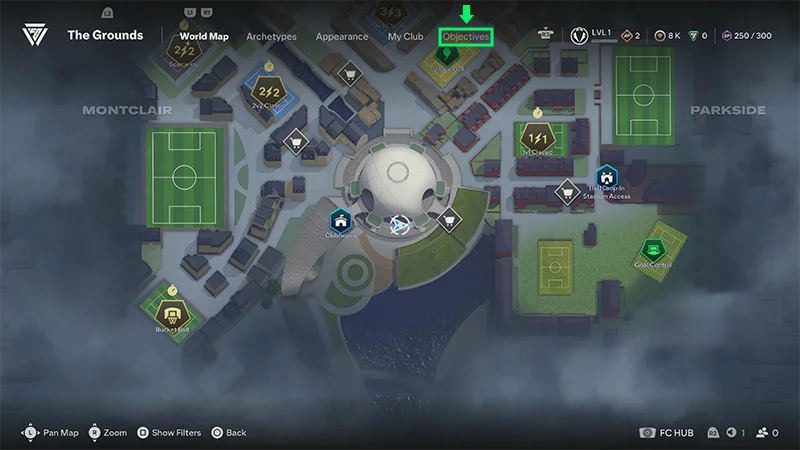
Le partitelle sono sfide multigiocatore che puoi disputare in tutti e tre i distretti di The Grounds. Ogni partitella ha una bacheca che ne illustra le regole.Per iniziare una partitella:- 1Apri la mappa in The Grounds.
- L'icona della mappa si trova in alto a sinistra sullo schermo.
- 2Seleziona la partitella che vuoi giocare.
- 3Seleziona Viaggia quando disponibile, oppure dirigiti verso il campo.
- 4Controlla la bacheca per leggere le regole dell'attività.
- 5Entra nell'area di coda e seleziona Gioca.
- 6Attendi che il numero richiesto di utenti si unisca all'attività.
Come consultare le regole
Controlla la bacheca accanto a una partitella prima di metterti in coda.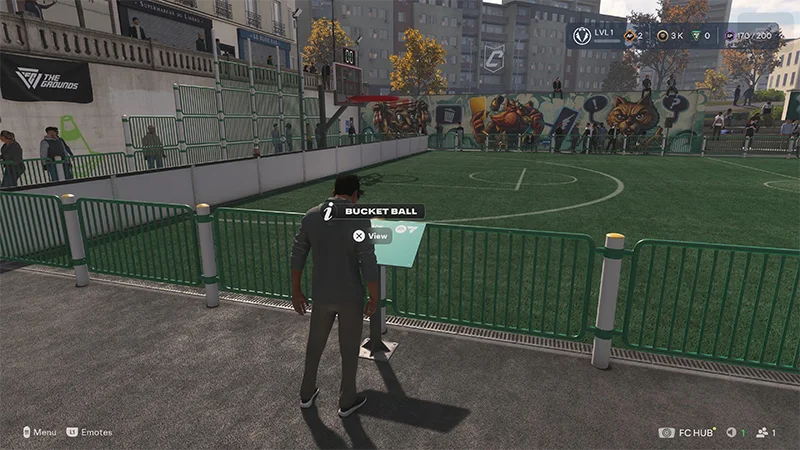
- come giocare all'attività
- come funziona
- come vincere o fare punti
Perché la mia partitella non inizia?
Controlla la coda per vedere quanti utenti servono per l'attività e quanti si sono uniti.Potresti dover attendere perché:- non ci sono abbastanza utenti nel tuo mondo Grounds attuale
- puoi controllare sulla mappa i puntini bianchi per trovare le aree in cui si stanno radunando più utenti
- la partita in corso non è finita
- ci sono troppe partite in corso per quella partitella specifica
Quali tipi di partitelle posso giocare?
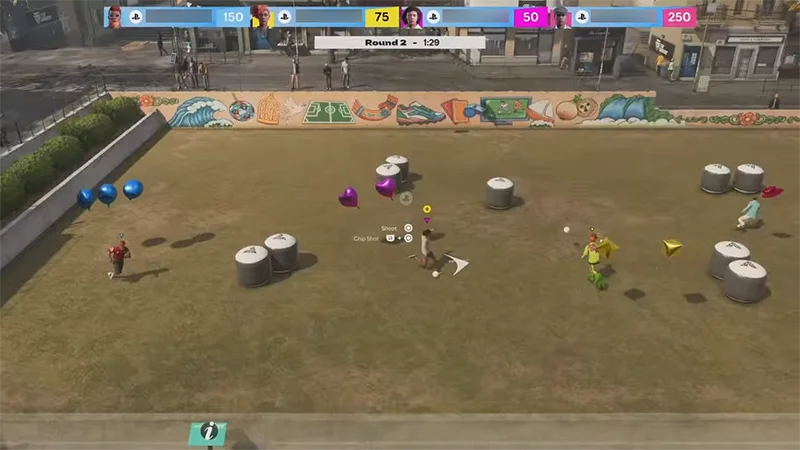
Ci sono sette tipi di partitelle in The Grounds.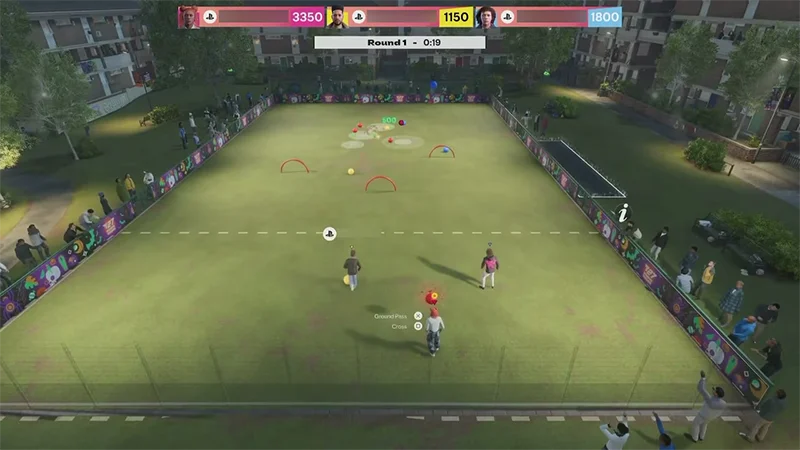
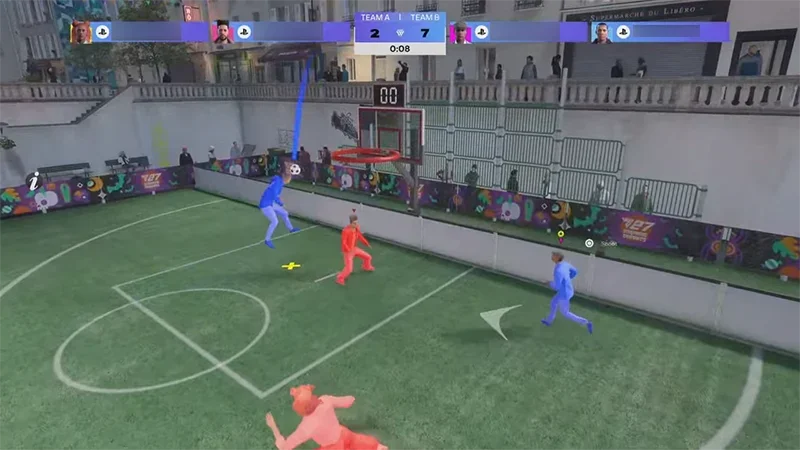
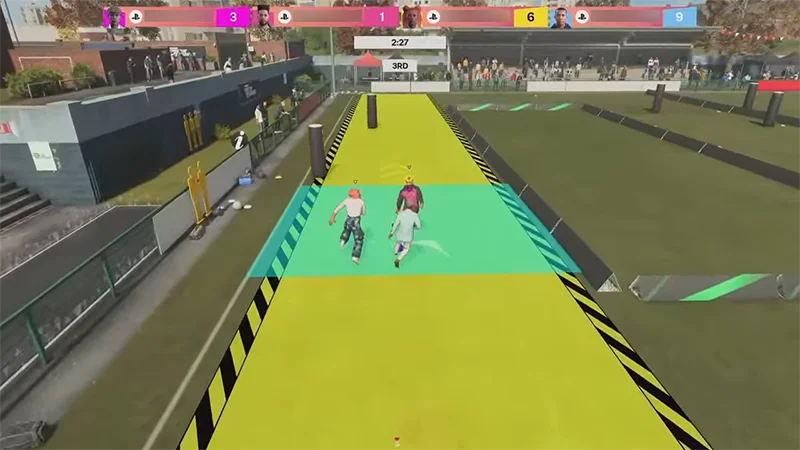
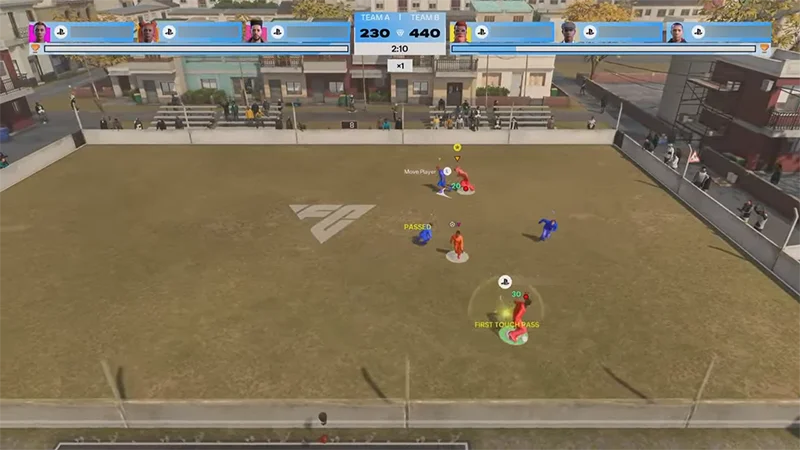
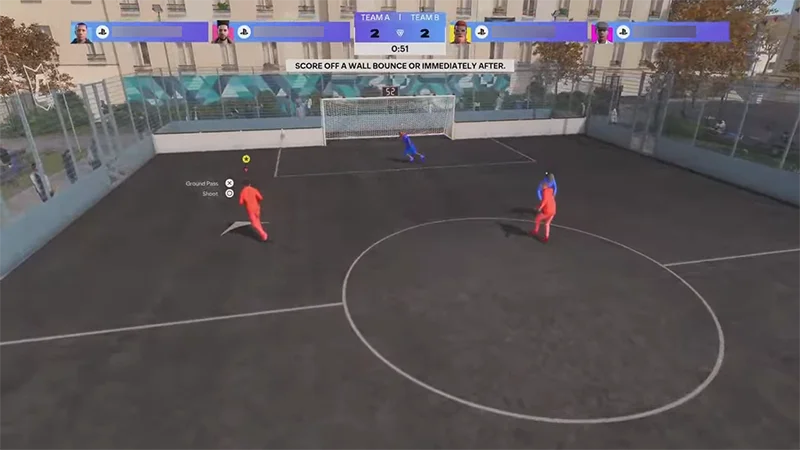
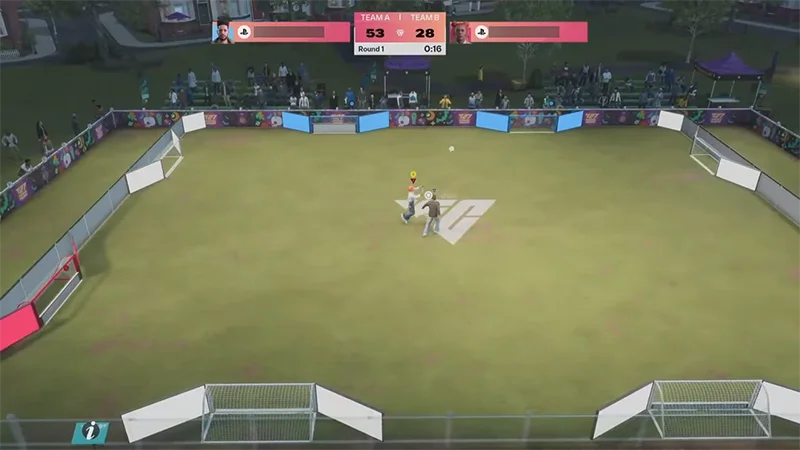
Qual è la differenza tra partitelle e Calcio da strada?
Le partite di Calcio da strada 1 contro 1, 2 contro 2 e 3 contro 3 in The Grounds non sono partitelle.Calcio da strada usa le regole delle partite a ranghi ridotti, mentre le partitelle hanno regole, obiettivi e meccaniche differenti.Entrambe usano una configurazione simile:- una bacheca dove sono spiegate le regole
- una coda che mostra il numero di utenti necessari
- l'attività inizia quando si uniscono abbastanza utenti
È possibile giocare le partitelle con gli amici?
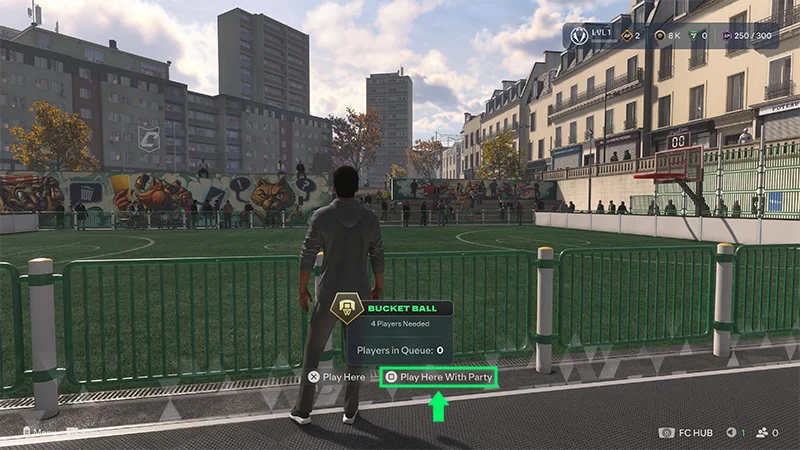
Quali premi posso ottenere giocando le partitelle?
Puoi ottenere PE archetipo e crediti Grounds giocando le partite. Alcune attività possono anche contribuire agli obiettivi Grounds.Le partitelle possono aiutarti a far crescere il tuo archetipo tra una partita Club e l'altra o mentre aspetti che qualche amico si unisca.Come funzionano gli obiettivi delle partitelle?
A seconda dell'attività, un obiettivo potrebbe chiederti di:- giocare o vincere un'attività
- completa un'attività con i compagni di club
- eseguire un'azione calcistica specifica
- partecipare a un evento a tempo limitato
- 1Apri la Mappa del mondo.
- 2Vai alla scheda Obiettivi.