Overview
Learn more about EA Play and EA Play Pro on PC, including membership benefits, types, and how to join.
What is EA Play?
EA Play is a gaming membership that lets you play some of EA’s best games and gives you exclusive perks and benefits.Not on PC? Learn about EA Play on PlayStation® and EA Play on Xbox.How to join EA Play on PC
EA app
EA.com
Steam
Epic
To join EA Play or EA Play Pro through the EA app:Heads up: If you live in Brazil, EA Play memberships on the EA app aren’t recurring. Instead, you can buy stackable memberships a few at a time. These memberships are continuous, which helps you avoid losing any game time.If you join through the EA app, you can also manage your EA Play membership through your EA Account. Check out this video to learn more about joining EA Play through the EA app.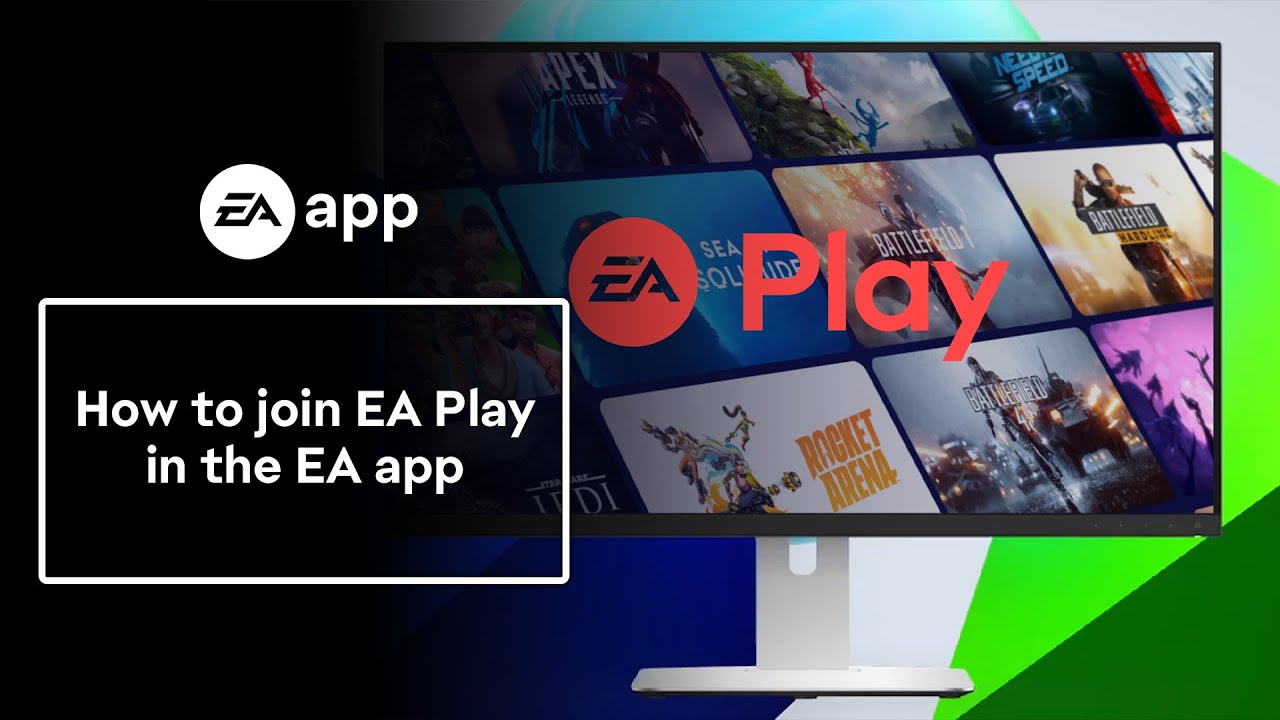
- 1If you haven’t already, download the EA app.
- 2Launch the EA app and select Join EA Play.
- 3If you want an EA Play membership, move straight to step 4. If you want an EA Play Pro membership, choose EA Play Pro.
- 4Choose an annual or monthly payment plan and select Continue.
- 5Enter your payment information and select Proceed to Review Order.
- Depending on where you live, you can use your credit card, PayPal, or EA Wallet.
- 6Agree to the automatic renewal, then select Start Membership.
How to log into EA Play on PC
EA app
Steam
Epic
If you joined EA Play on PC through the EA app and want to access EA Play benefits, make sure you’re logged into your EA Account.For full details on games included with an EA Play on PC membership, check The Play List.
- 1Launch the EA app.
- 2Sign in using the details of the EA Account you used to join EA Play.
- 3Select Browse to find and download games included in your membership.
What benefits do EA Play on PC members get?
The benefits you get with EA Play on PC depend on your membership type. There are two membership types:- EA Play
- Available on PC through the EA app, Steam, or Epic.
- EA Play Pro
- Available on PC for use on the EA app only. EA Play Pro isn’t available on Steam or Epic.
If you’re a member of Xbox Game Pass Ultimate or Xbox Game Pass for PC, EA Play on PC is included with your membership. You’ll need to download the EA app to use EA Play via your Xbox Game Pass membership.Learn more about how EA Play on PC works with an Xbox Game Pass membership.
If you join EA Play on PC through the EA app, Steam, or Epic, here are some benefits you’ll enjoy.
- Exclusive rewards and members-only content.
- Unlimited access to The Play List, a collection of some fan-favorite EA games.
- Access to select new games for up to 10 hours before they launch.
- 10% discount on EA digital purchases, such as full games, expansion packs, and in-game currency. Check out the EA Play Terms to learn more about discount conditions, limitations, and exclusions.
If you join EA Play Pro on PC through the EA app, you’ll get all the benefits of EA Play, plus these extra perks. Getting an error when trying to upgrade? Find out how to troubleshoot common EA Play Pro upgrade errors.
- Unlimited access to a library of premium edition EA games and fan-favorite series.
- In-game member rewards.
- Early access to select new games.
More info about EA Play on PC
About EA Play membership, availability, and features
- Memberships are charged as recurring monthly or yearly payments, depending on your chosen payment plan. You can cancel your EA Play membership at any time.
- EA Play on PC is only available to players using a PC. It’s not available on Mac.
- EA Play isn’t a streaming service, so you’ll need to download and install the games on your PC to play them.
- Your EA Play membership is specific to the platform you join through and applies only to that platform. For example, if you join EA Play on Steam or Epic, you won’t be able to use your membership benefits on the EA app.
- Membership benefits are only available to players who live in the regions where EA Play is available.
- If you joined EA Play in a region where it’s available and then travel to a place where it’s not, you’ll only have access to games or early trials you already downloaded and installed.
- You’ll need an internet connection for early trials. You can play some games from The Play List offline, but you’ll occasionally need to re-enter your login details to verify that you’re still a member.
- Game progress made in early game trials will carry over if you decide to buy the game when it’s released worldwide.
- If you’re having problems with your membership, check out our troubleshooting guide for common EA Play issues.
About The Play List on EA Play
- The Play List is an evolving collection of PC games that are included in your membership.
- Games in The Play List may vary by region and platform. Be sure to check what games are available in your region before joining EA Play. Games will be added to and removed from EA Play over time. We usually remove games from both EA Play and EA Play Pro at the same time, but in some cases, a game may stay available for Pro.
- If a game is leaving EA Play, the date it’s being removed will be on the game details page or in your Library, if you’ve added it there.