Overview
Learn about product codes, promo codes, and how to redeem them.
How to redeem a product code
Find your product code
If the game hasn’t already been added to your EA Account, you can find the product code in your confirmation email after you buy a game. You can also check the box or the manual inside the box.Redeem a product code
EA.com
EA app
EA Account
Console
- 1Go to visit ea.com/redeem.
- 2For PC codes, select the Redeem button. For all other platforms, select the correct button below the Redeem button.
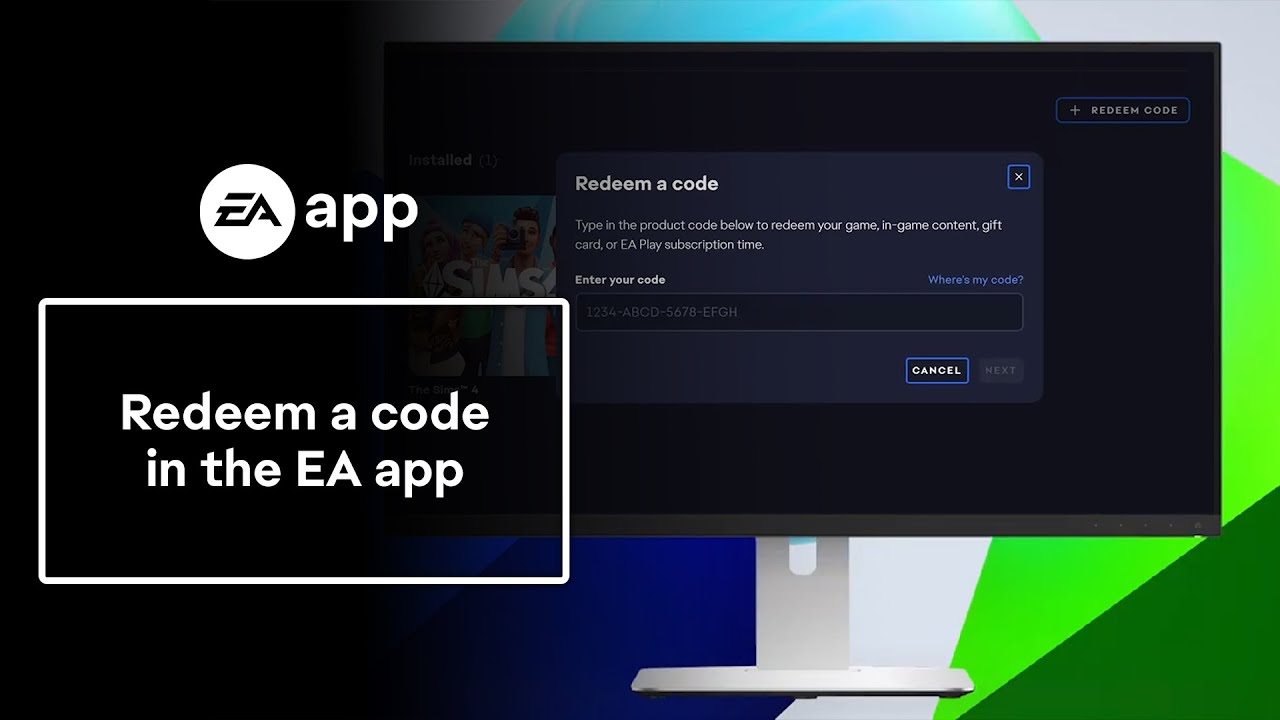
- 3Type in your product code, then select Next.
Some codes for bonus content in The Sims 3 must be redeemed on The Sims 3 website.
Some of our older games can’t be redeemed on the EA app and can only be played if you still have the game disc. Those games include, but aren’t limited to:
- The Sims (1)
- The Sims 2
- Battlefield 1942
- Battlefield Vietnam
- Command & Conquer
- Medal of Honor
- Crysis.
Redeem your EA Gift Cards from your EA Wallet.Subscriptions and virtual currency codes, like for SimPoints, can be redeemed at the URL in your code’s instructions.
How to redeem an EA promotional code
Promotional (promo) codes can give you discounts on your purchases. Redeem your promo code during the checkout process.Restrictions on promo codes vary. You usually can’t use them on games less than a month old, virtual currency, memberships and subscriptions, game time cards, third-party games, or with any other current sale or promotion. Make sure you understand all the restrictions before trying to redeem your promo code.
Find your Offers and Promotions code
If an Offers and Promotions code appears in-game, you can collect it directly there. If you dismissed the pop-up in-game, you can still find your code in your EA Account Settings.- 1Log in to your EA Account.
- 2Select the Payment and Wallet tab.
- 3Select Offers and Promotions.
- 1Select Browse to find the game you want to buy.
- 2Select Buy the game.
- If there are different editions of the game available, select Select edition to choose the edition you want to buy, then select Buy.
- If there’s only one edition of the game available, select Purchase.
- 3You can choose to pay with a saved payment method, enter a new payment method, or use your EA Wallet.
- 4Select Proceed to Review Order.
- 5On the Review Order page, select Enter Promo Code.
- 6Enter your code and select Apply code.
- 7Select Pay Now to complete your purchase.
Follow the instructions to redeem your EA product code via your console.
More help redeeming codes
Check the instructions that came with your code to make sure you’re redeeming your code in the right place.
If you get an error message when you attempt to redeem your code, it’s best to go back to the retailer you bought the code from. They should be able to help you get a new code.If you bought the game secondhand, it’s likely that the original owner used the code already. We can’t help with codes that have already been used on other players’ accounts.If you think you redeemed your code on the wrong account, contact us so we can look into it. We may ask you for proof of purchase, so make sure to have it ready.
If the code you’re trying to use has expired, we aren’t able to help. Make sure you check expiration dates on codes for the games you buy to be aware of any redemption expirations or restrictions.If you bought the code from a retailer and it was already expired, contact the retailer for more help.
Check to see if you bought the full game or other content. It’s possible you redeemed downloadable content (DLC) or a subscription that can only be accessed once you start playing the game.
If you lose a product code, contact us so we can help. We may ask you for proof of purchase, so have it ready.