Overview
Tokens are a new reward type in EA SPORTS FC™ Ultimate Team™. You earn them by playing and completing activities, then use them in the Token Store for rewards. Rewards vary per event, but can include things like Player Items, Packs, Evolutions, and Club Customisation Content.
What are Tokens?
Starting June 4, 2026, you can earn Festival of Football Tokens in Ultimate Team™. Earn Tokens across multiple game modes and spend them in the Token Store on rewards like Players, Packs, Evolutions, and Club Customisation items.Festival of Football Tokens are earned through gameplay only and can’t be traded like Coins. You can earn up to 1,000 Tokens per week, with a maximum of 5,000 Tokens during the event. Learn more about Festival of Football Tokens in our Pitch Notes.
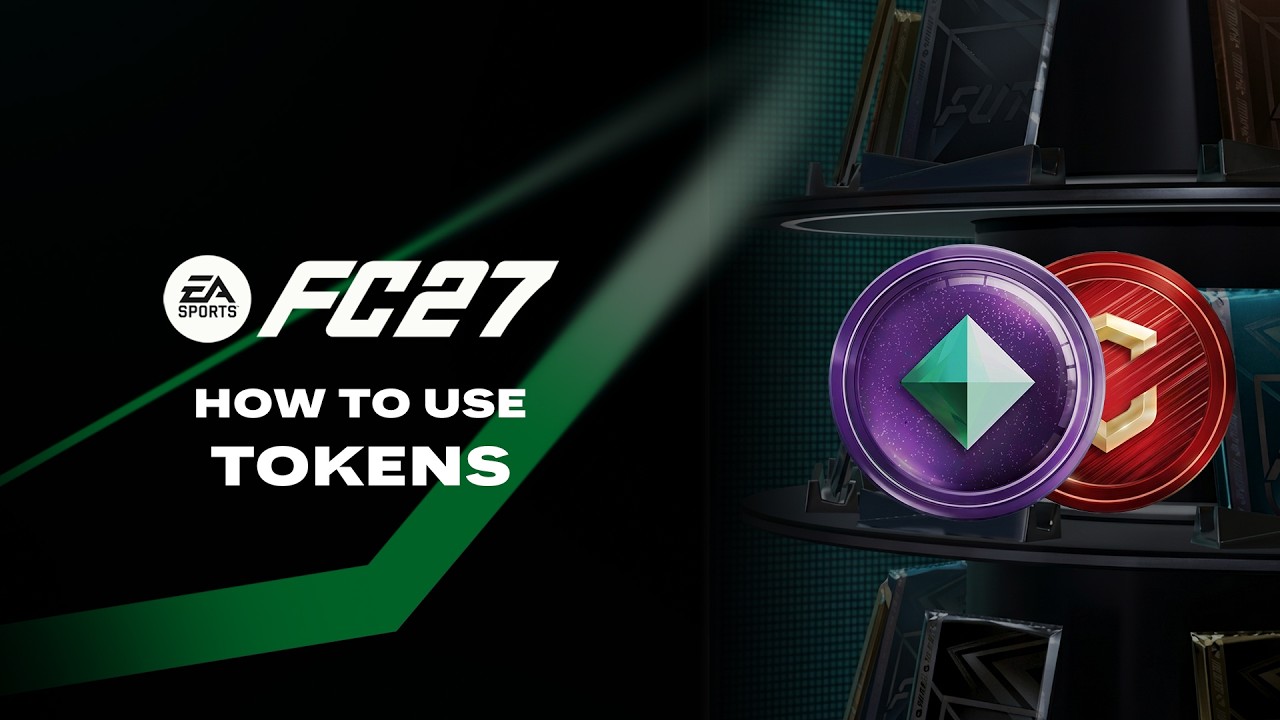
- Each Season will have its own Token(s) and Token Store(s).
- Tokens are earned by playing across different modes and content.
- Spend Tokens in the dedicated store for that event.
How to get Tokens and use them
You can earn Tokens by:
- claiming rewards from gameplay
- completing Objectives
- completing Squad Building Challenges (SBCs).
To use your Tokens:
- 1Go to Ultimate Team™.
- 2Open the Store.
- 3Go to the Token Store tab.
- 4Choose the event for the rewards you want to claim.
- 5Browse the available rewards, then select an item and choose Purchase.
What can I get with Tokens?
Rewards vary by event and can change over time. Open the current event’s Token Store to see everything available.Heads up: Each Token Store only accepts its specific Token type. Depending on the event, you could find:- Player Items
- Packs
- Evolutions
- Customization items.
Frequently asked questions about Tokens and Token Stores
Each Token has its own store and availability window.When a store becomes inactive, you can’t spend Tokens in that store anymore. Any unused Tokens may still remain in your account after the store closes.Some stores might offer rewards, Packs, or items that include other Event Tokens.
Depending on the event, there’s a limit on how many Tokens you can earn within a set time period.Some events might also include a separate daily earning limit within the overall event limit.You can check your progress in the Token Summary screen.
You can check your Token balance in the top-right corner of the screen in Ultimate Team™You’ll typically see Tokens added to your account as soon as you’ve earned them in-game. If your updated balance doesn’t appear right away, exit and re-open the Store to refresh your Token balance. Items acquired using Tokens through the Token Store should also appear in-game right away.Can’t find your Tokens or rewards?Check out our missing content guide for more help finding your items and rewards.
- 1Exit and re-enter the Store.
- 2Try relaunching your game.
- 3Make sure you claimed the correct reward.
- 4Check that you’re using the right Token Store.
Token purchases can’t be reversed or refunded.Before you select Purchase, double-check:
- the item you’re selecting
- the Token cost
- any time limits or timers.