Ringkasan
Fitur Buat Sendiri Bundelmu untuk Paket The Sims 4 telah digantikan oleh Borong & Hemat di EA app, sehingga lebih mudah memilih kombinasi The Sims 4 Expansion, Game, dan Stuff Pack untuk membuka diskon yang lebih besar. Pelajari Paket mana yang memenuhi syarat, konten apa yang tidak, dan cara mendapatkan harga diskon saat membeli.
Borong & Hemat hanya tersedia untuk pemain PC dan Mac yang menggunakan EA app untuk memainkan The Sims 4. Tidak tersedia di platform atau etalase lain.
Bagaimana cara kerja Borong & Hemat di EA app?
Fitur Buat Sendiri Bundelmu untuk Paket The Sims 4 telah digantikan oleh Borong & Hemat di EA app, sehingga memberimu lebih banyak fleksibilitas untuk memilih sekumpulan paket kustom yang sesuai dengan gaya bermainmu.Alih-alih memilih kombinasi Paket tertentu, kamu bisa menambahkan Paket yang memenuhi syarat ke keranjangmu dan mendapatkan diskon berdasarkan jumlah barang yang memenuhi syarat yang kamu beli.Semakin banyak Paket yang memenuhi syarat yang kamu tambahkan ke keranjangmu, semakin banyak yang bisa kamu hemat dibandingkan dengan membeli setiap Paket secara terpisah.Borong & Hemat hanya tersedia untuk pemain PC dan Mac yang menggunakan EA app untuk memainkan The Sims 4. Berikut ini contoh cara kerja Borong & Hemat dibandingkan dengan Buat Sendiri Bundelmu.- Buat Sendiri Bundelmu
- Terbatas hanya memilih salah satu dari setiap jenis Paket:
- 1 x Expansion Pack
- 1 x Stuff Pack
- 1 x Game Pack
- Borong & Hemat
- Buat kombinasi Paket apa pun. Misalnya:
- beberapa Expansion Packs
- kombinasi Expansion Pack, Game Pack, dan Stuff Pack
- beberapa Paket dari kategori yang sama
Paket apa yang bisa saya dapatkan diskonnya?
Konten yang dapat diunduh berikut mungkin bisa memenuhi syarat untuk diskon Paket pada EA app:- The Sims 4 Expansion Packs, dengan pengecualian berikut:
- Enchanted by Nature
- Adventure Awaits
- Royalty & Legacy
- Paket Game The Sims 4
- Paket Stuff The Sims 4
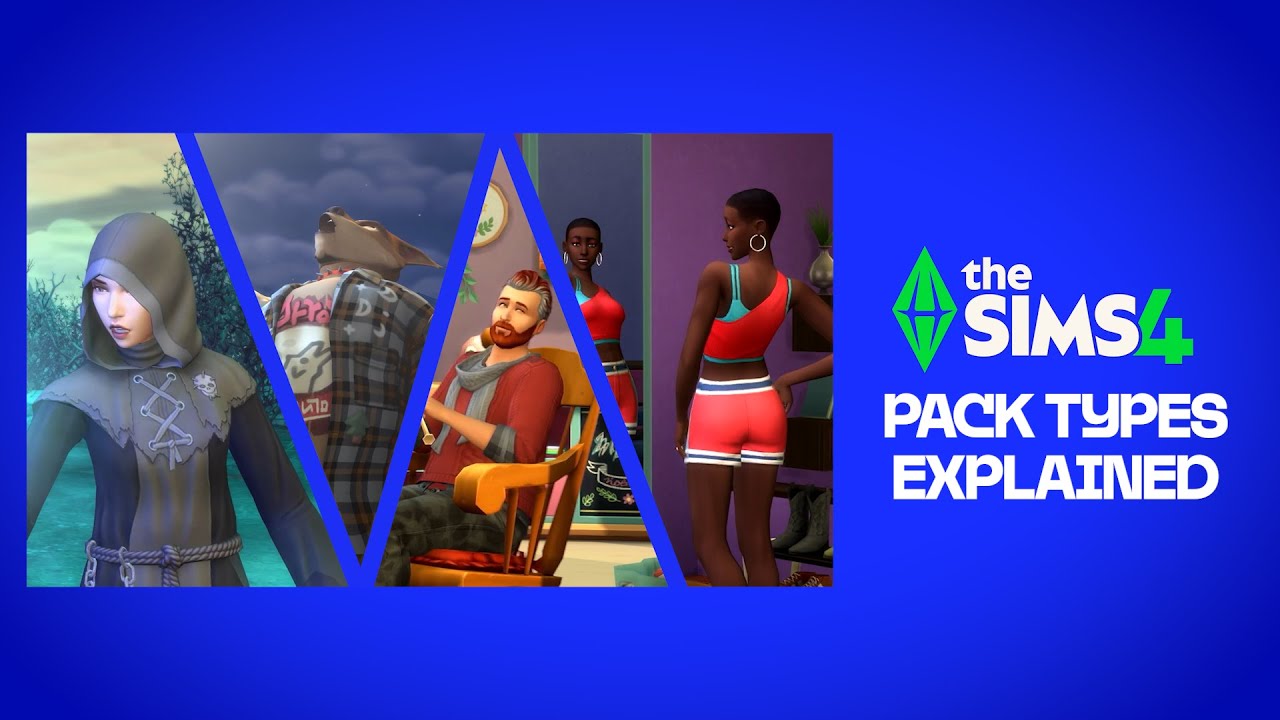
- Beberapa konten yang dapat diunduh mungkin tidak memenuhi syarat untuk diskon Paket, termasuk:
- Maker Pack
- bundel yang sudah ada
- penawaran promosi lainnya.
- Beberapa konten yang dapat diunduh mungkin tidak memenuhi syarat untuk diskon jika promosi lain tersedia pada saat yang sama. Misalnya, jika kamu membeli Paket yang memenuhi syarat yang termasuk dalam promosi lain, diskon terbaik yang tersedia akan diberlakukan secara otomatis saat kamu melakukan checkout.
- Diskon paket tidak bisa dikombinasikan dengan diskon promo atau diskon keanggotaan EA Play.
- Game Dasar The Sims 4 gratis untuk dimainkan, jadi tidak memenuhi syarat untuk diskon.
Bagaimana cara mendapatkan diskon Paket di EA app?
Berikut cara menggunakan Borong & Hemat untuk mendapatkan diskon Paket The Sims 4 di EA app.- 1Buka EA app.
- 2Buka Pustaka lalu pilih The Sims 4.
- 3Pilih tab Borong & Hemat lalu tambahkan Paket yang memenuhi syarat ke Keranjangmu.
- 4Setelah selesai memilih Paket, pilih tombol Keranjang (ikon keranjang belanja) untuk meninjau diskon dan menyelesaikan pembelianmu.
- diskon yang berlaku untuk setiap Paket
- total diskon untuk pembelian keseluruhan
- banyaknya Paket yang diperlukan untuk mencapai tingkat diskon berikutnya.
EA app telah menggantikan Origin sebagai platform utama untuk mengunduh dan menjalankan The Sims 4 di Mac dan PC. Pengguna Mac harus menggunakan macOS Catalina atau versi lebih baru untuk menjalankan EA app. Lihat panduan macOS kami untuk mempelajari lebih lanjut tentang upgrade macOS Anda.
FAQ: Diskon Borong & Hemat The Sims 4 di EA app
Fitur Buat Sendiri Bundelmu untuk Paket The Sims 4 telah digantikan oleh Borong & Hemat di EA app. Fitur ini memberimu lebih banyak fleksibilitas untuk memilih kombinasi Paket yang memenuhi syarat dan diskon berdasarkan jumlah item di keranjangmu.
Tidak. Diskon yang memenuhi syarat didasarkan pada jumlah Paket yang memenuhi syarat di keranjangmu, bukan pada kombinasi jenis Paket yang diperlukan.
Ya, kamu bisa memadu-padankan Expansion Pack, Game Pack, dan Stuff Pack yang memenuhi syarat dalam kombinasi apa pun.
Untuk mendapatkan diskon Borong & Hemat, kamu harus menggunakan EA app guna memainkan The Sims 4 di PC atau Mac. Kamu juga harus menginstal Game Dasar The Sims 4. Pelajari cara mengunduh Game Dasar The Sims 4 secara gratis.
Tidak, kamu tidak bisa memberikan Paket diskon sebagai hadiah.
Ya. Jika keranjangmu berisi Paket yang memenuhi syarat, diskon akan diberlakukan secara otomatis dan ditampilkan di keranjangmu sebelum checkout.
Tidak, sistem diskon Paket Sims 4 yang diperbarui hanya tersedia untuk pemain PC dan Mac di EA app.